Frequently asked questions
How does a snagging list app work?
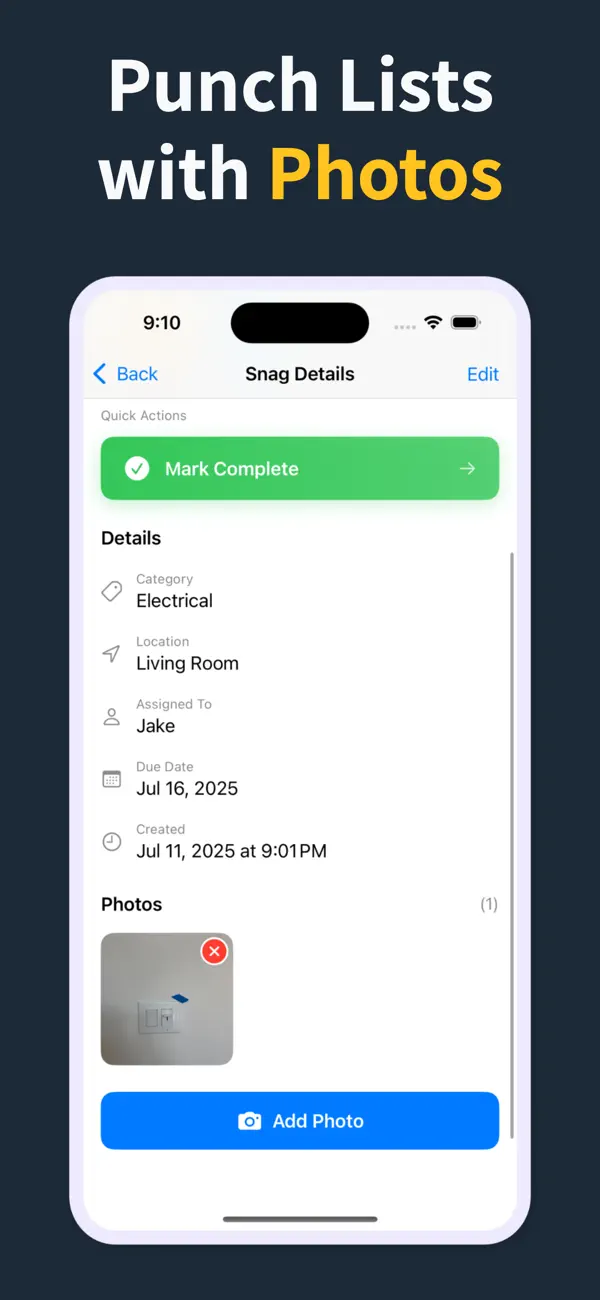
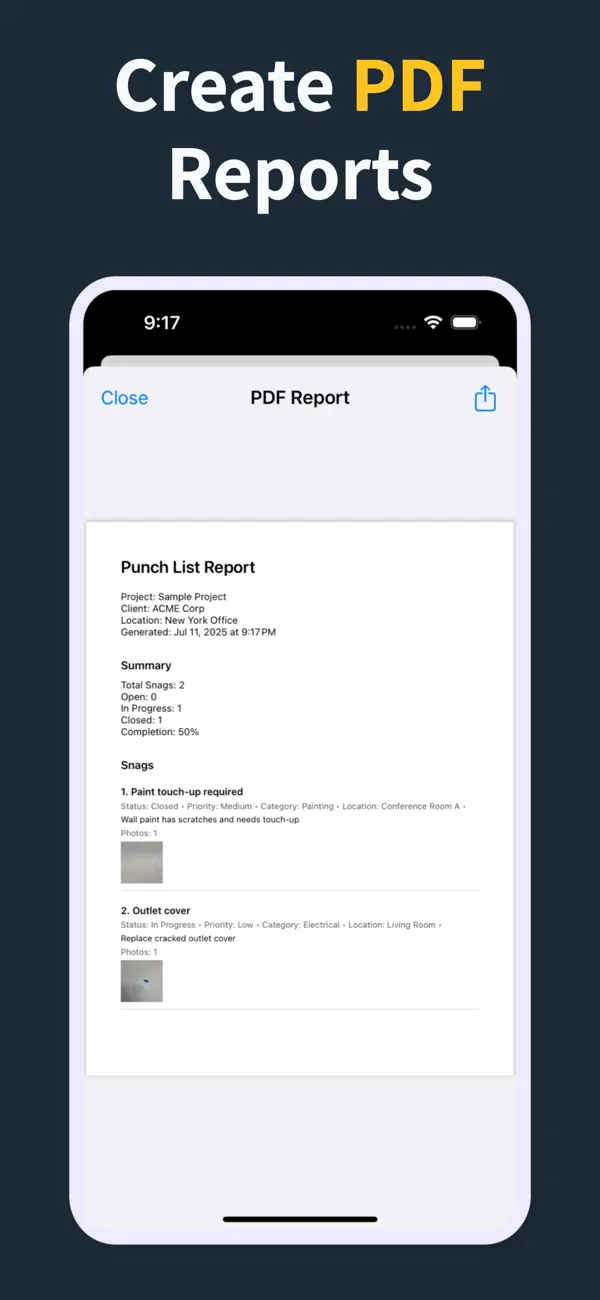
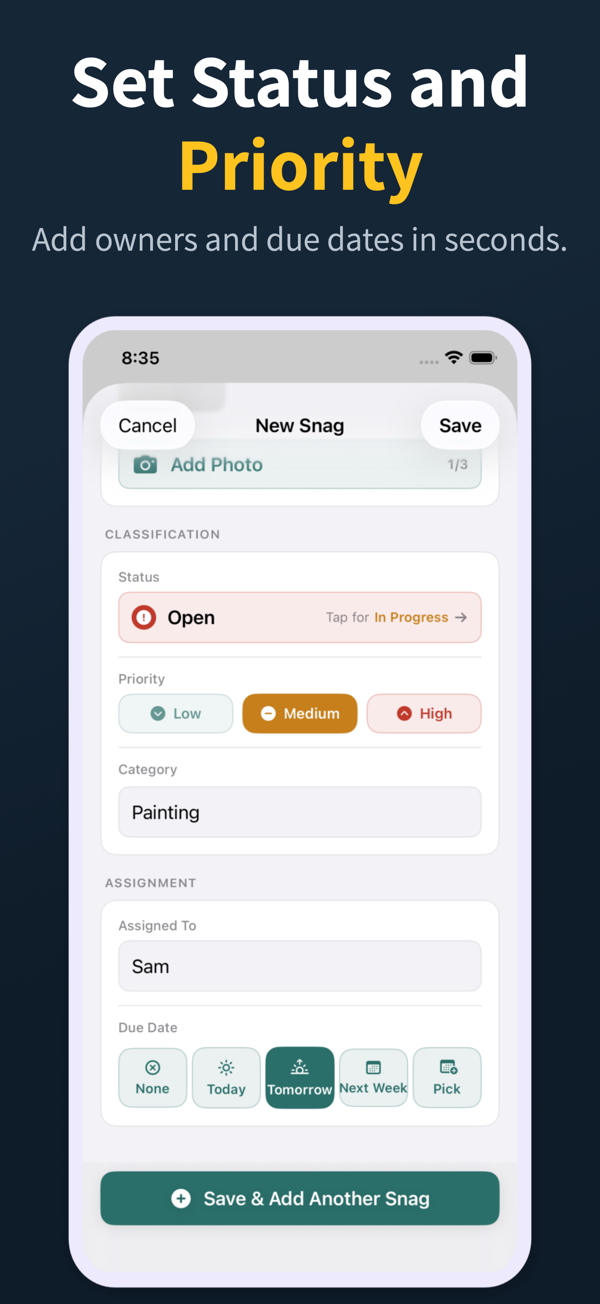
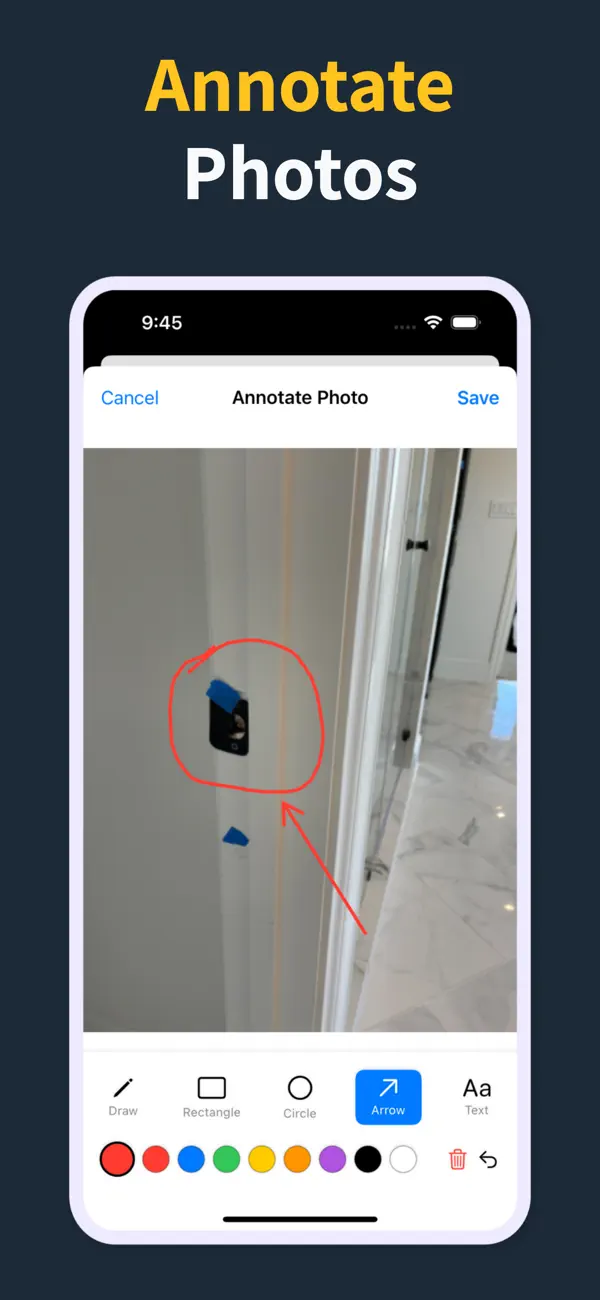
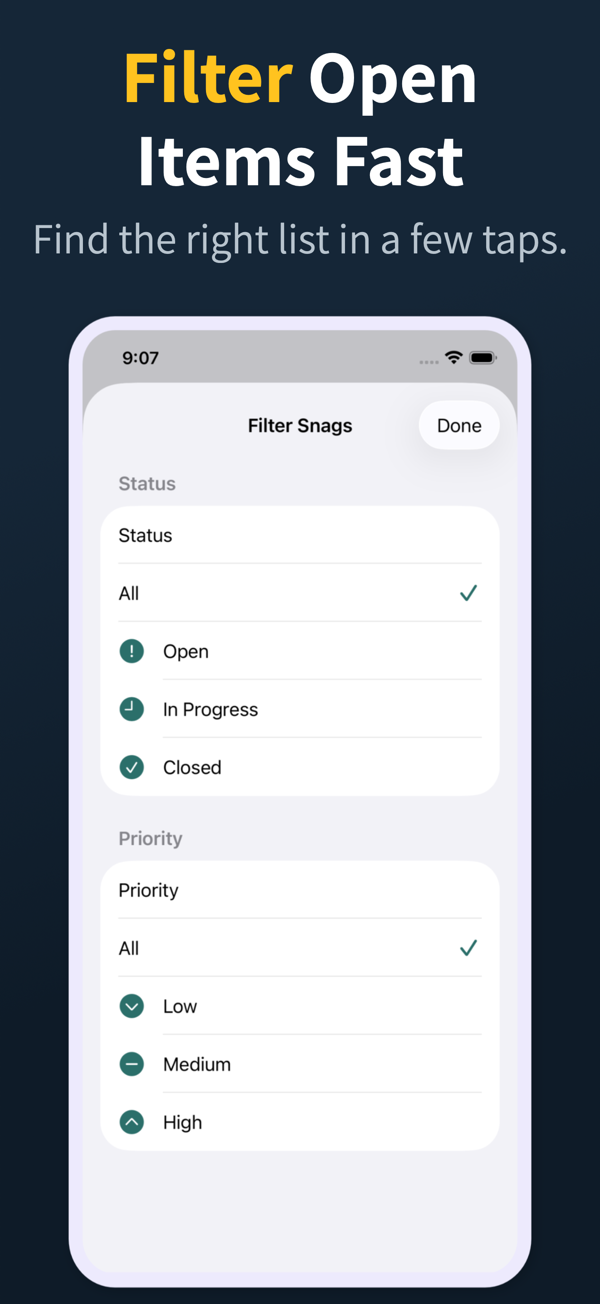
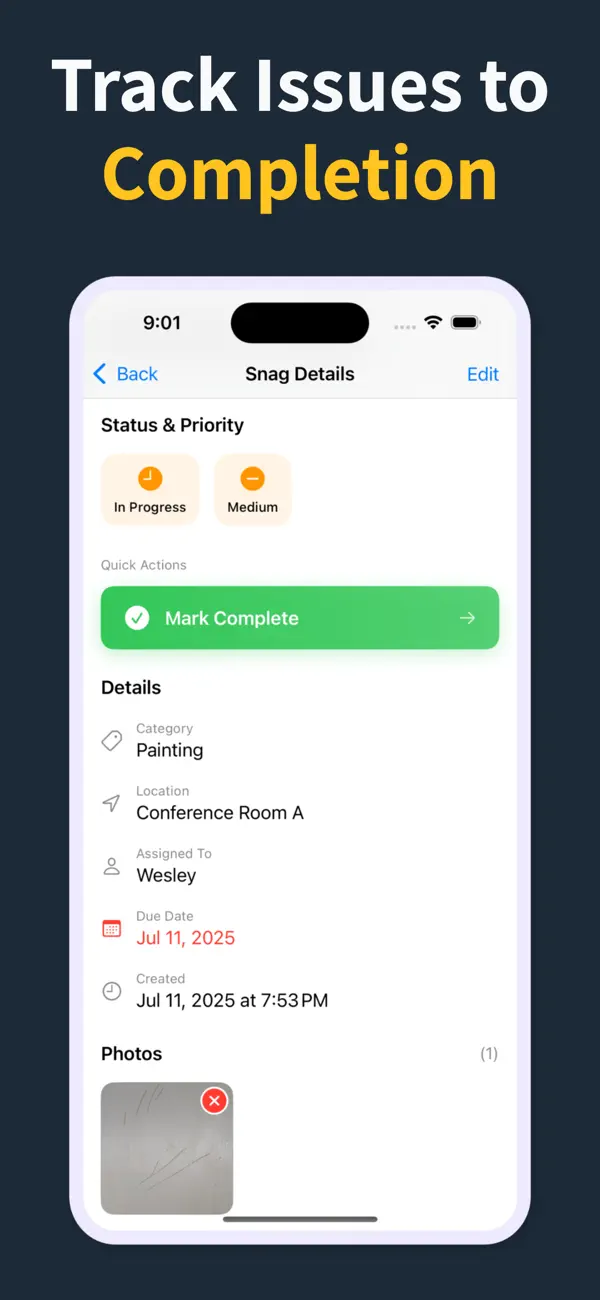
On a walkthrough you tap to add a snag, record its room or location, trade, and status, attach one or more photos, and save. Punch List & Site Audit keeps capture local and fully offline, then lets you generate a PDF report on the spot to share with subcontractors, clients, or consultants.
Does Punch List & Site Audit need a subscription?
The app uses subscriptions for Pro features. Capturing snags, photos, status, and priority plus the watermarked PDF preview are all built for iPhone walkthroughs, while clean branded PDFs, import and export, and iCloud sync are unlocked with Pro.
Does a snagging list app work offline?
The good ones do. Punch List & Site Audit captures snags, photos, and notes completely offline and exports a PDF without any connection, which is essential in basements, shells, and remote sites with no reliable Wi-Fi.
Can I share a snagging list PDF with subcontractors?
Yes. Generate the PDF at the end of the walk and send it by email, Messages, or AirDrop through the iOS share sheet. Pro unlocks clean branded PDFs, and subcontractors can work straight from the report without installing anything.
What's the difference between a snagging app and a spreadsheet?
A snagging app keeps photos, location, trade, and status attached to every item and produces the report in one tap. Spreadsheets lose the photos, are fiddly on a phone, and force you to type the list up again later, which slows the job and introduces errors.