Frequently asked questions
How does a defect list app work?
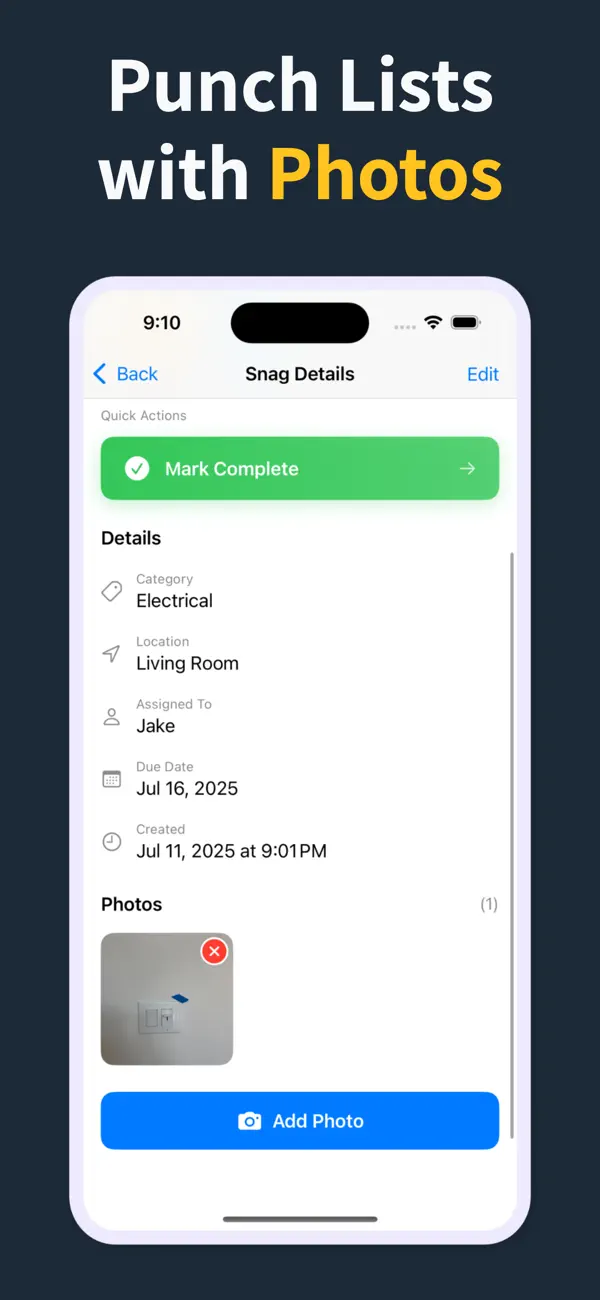
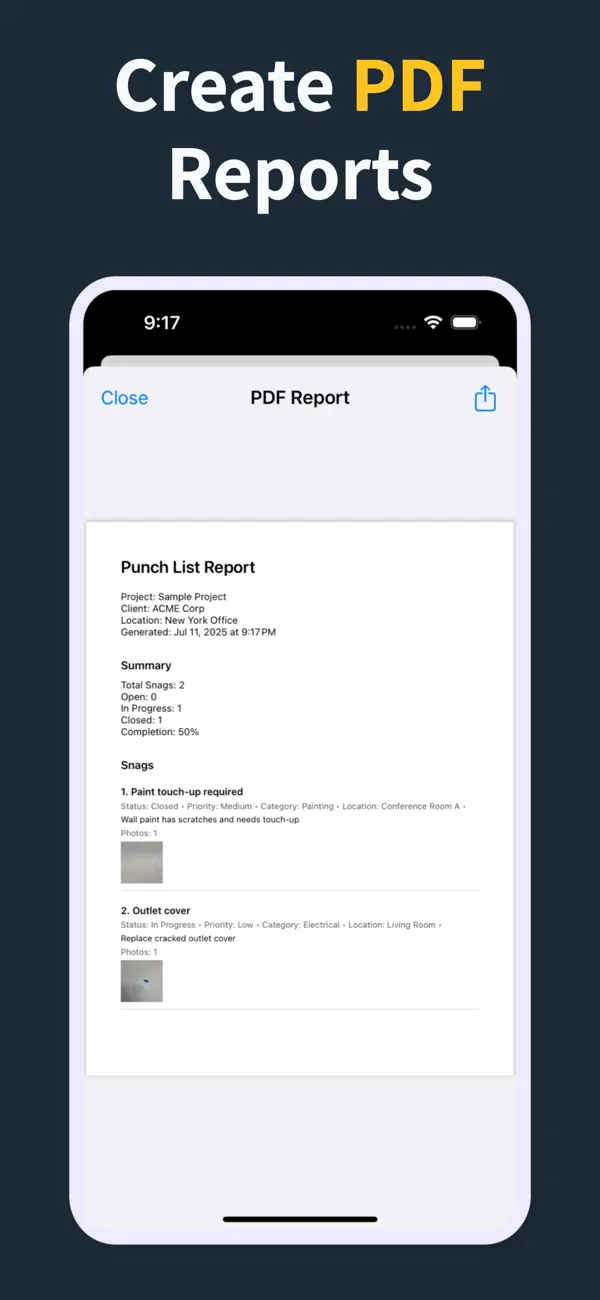
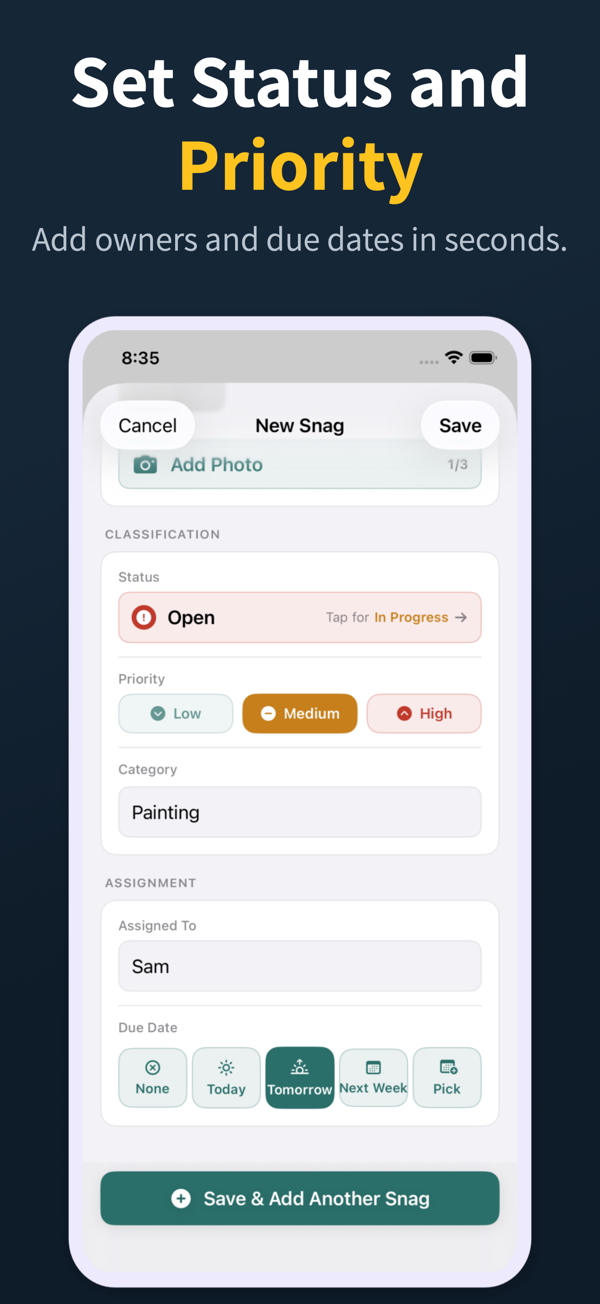
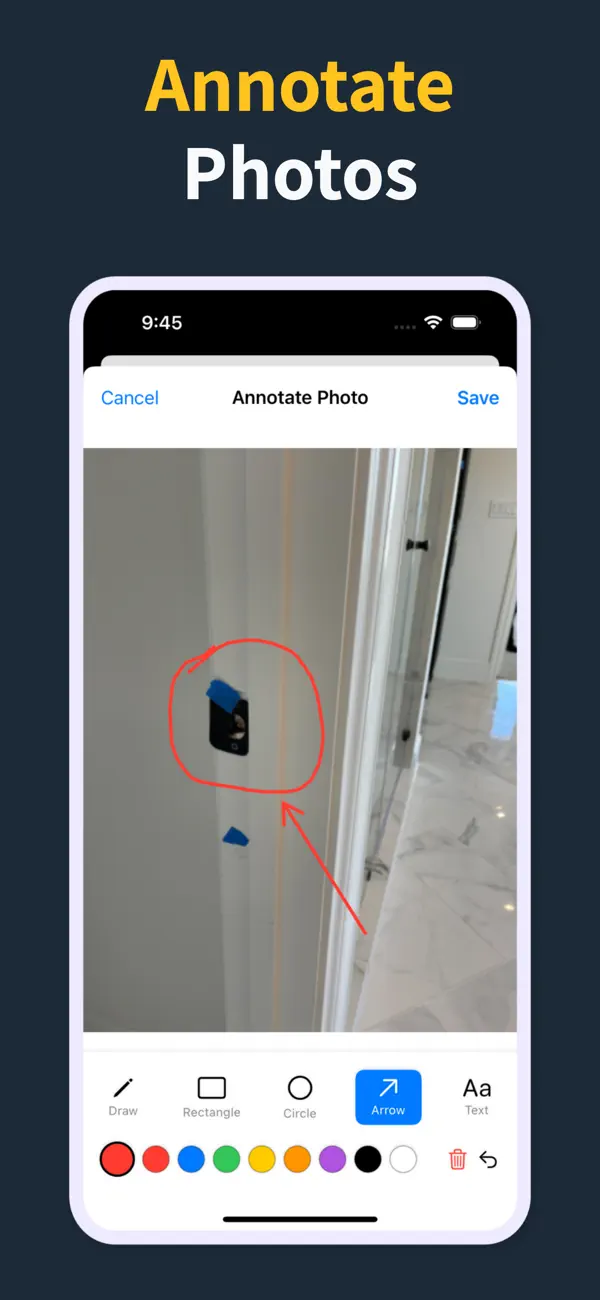
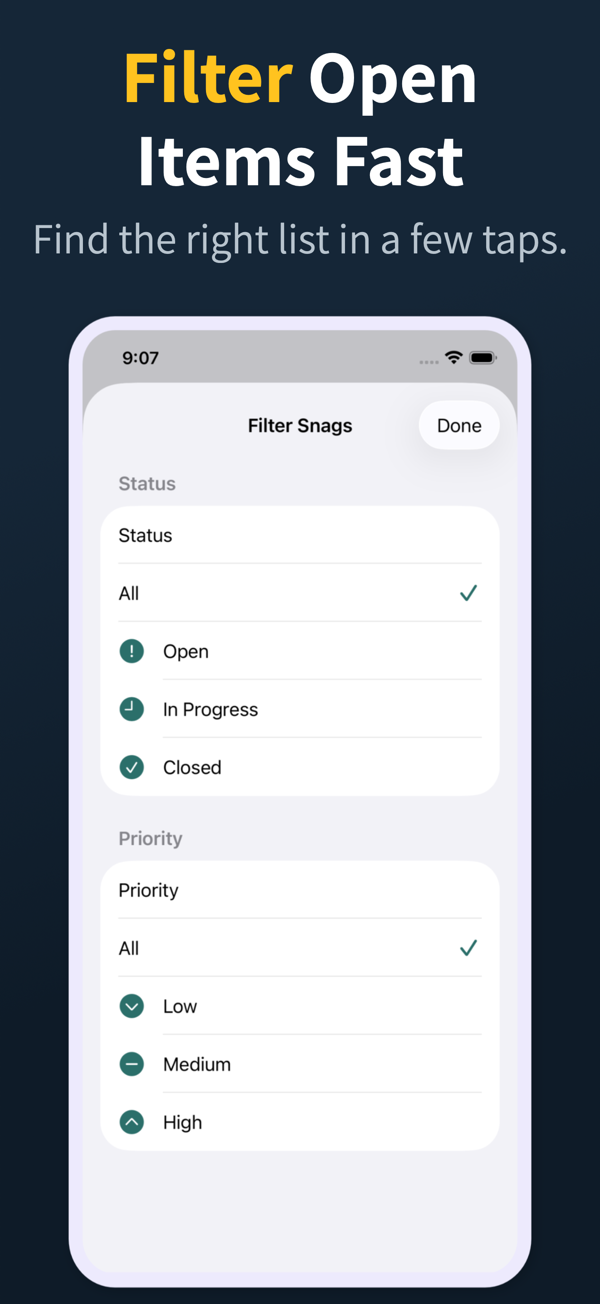
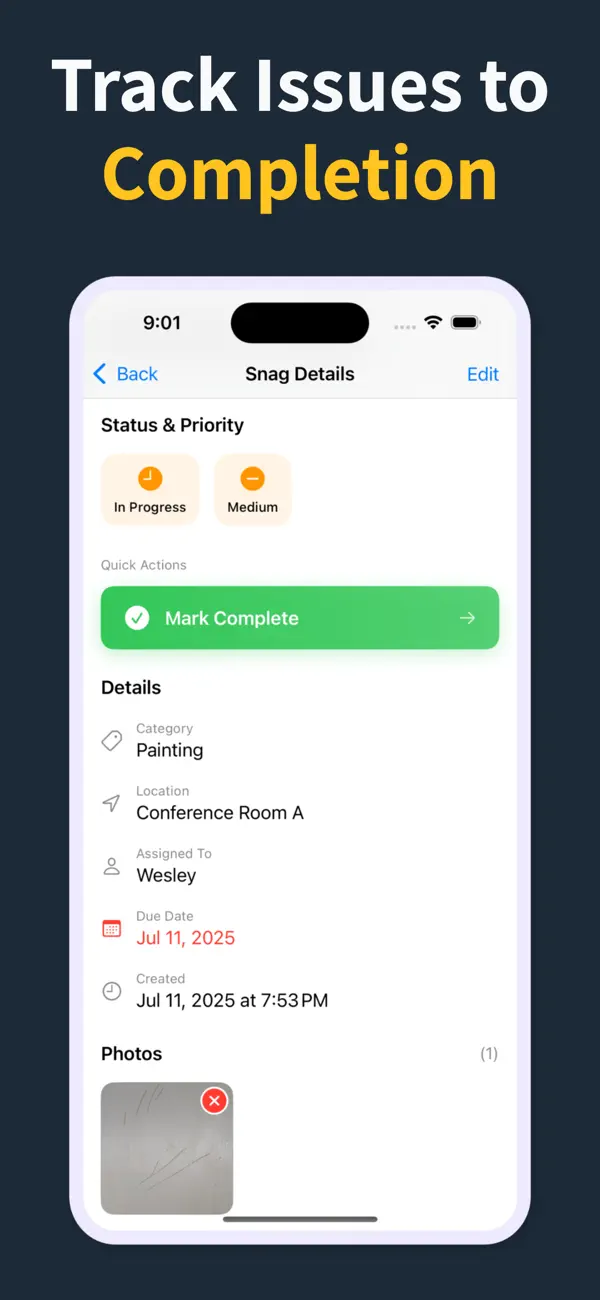
As you walk the site you tap to add an item, set its location, category, and status, attach one or more photos, and save. Punch List & Site Audit keeps capture fully offline, then generates a PDF report on the device that you can hand to subbies, the builder, or the owner before you leave.
Does Punch List & Site Audit need a subscription?
Punch List & Site Audit is freemium. Capturing defects with photos, statuses, priorities, and a watermarked PDF preview is free, while the clean branded PDF report, import/export, and iCloud sync are unlocked with Pro.
Does a defect list app work offline?
The good ones do. Punch List & Site Audit records items, photos, and notes completely offline and builds the PDF without any connection, which matters on slabs, shells, and remote new-home sites where there's no reliable signal.
Can I share a defect list PDF with subbies?
Yes. Finish the inspection, generate the PDF on the spot, and share it by email, Messages, or AirDrop through the iOS share sheet. Subcontractors can work straight from the report without installing anything.
What's the difference between a defect list app and a spreadsheet?
A defect list app keeps the photo, location, category, and status attached to every item and produces the report in one tap. Spreadsheets drop the photos, are clumsy on a phone, and force you to retype the list later, which slows handover and introduces errors.