Frequently asked questions
How does a deficiency list app work?
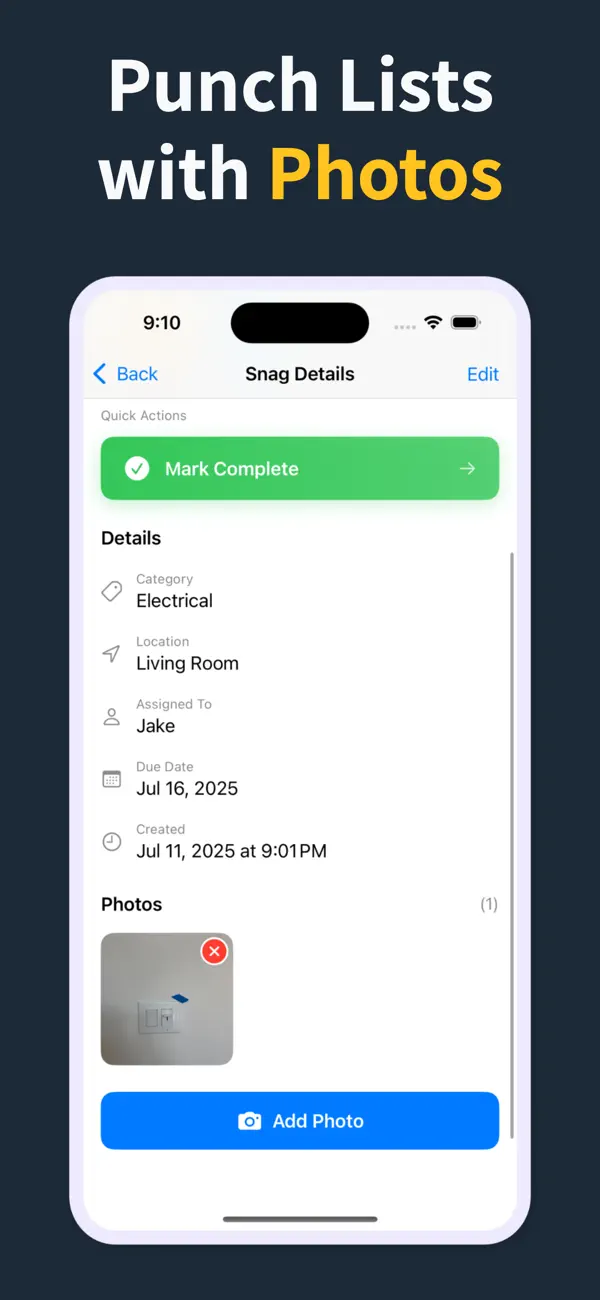
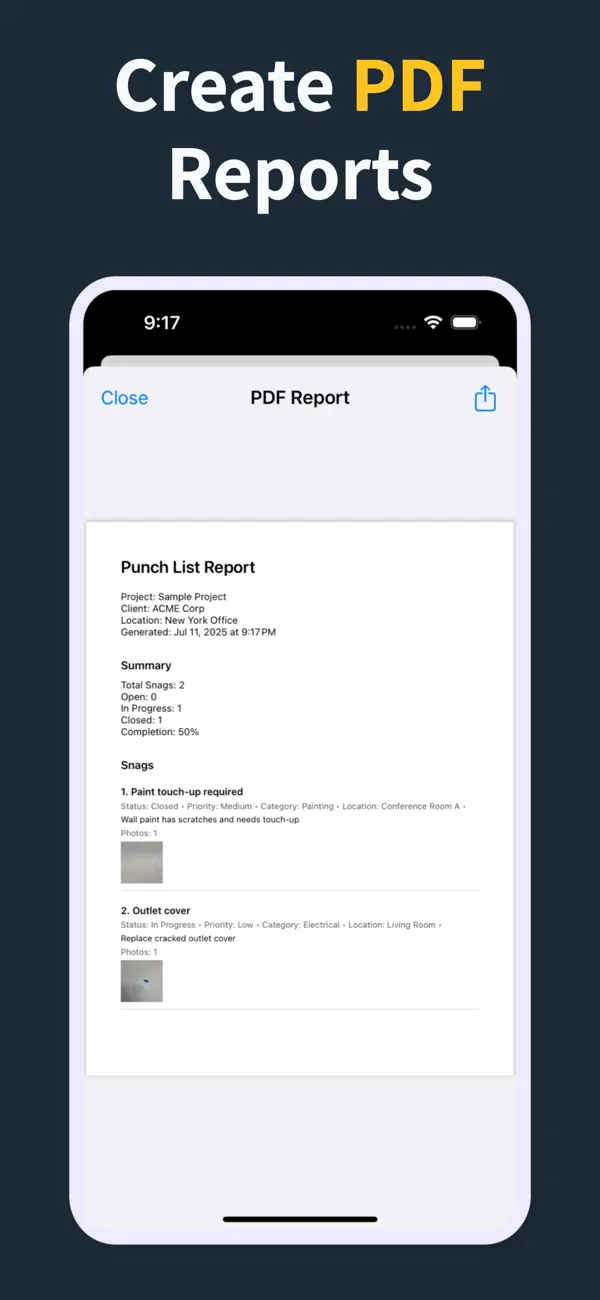
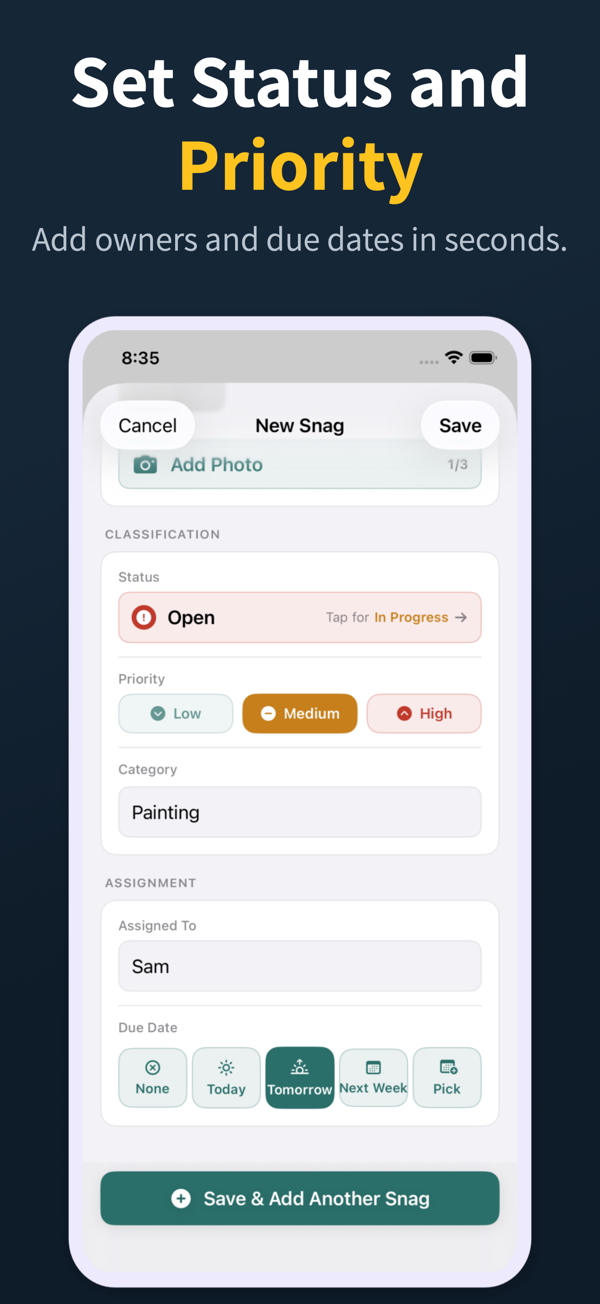
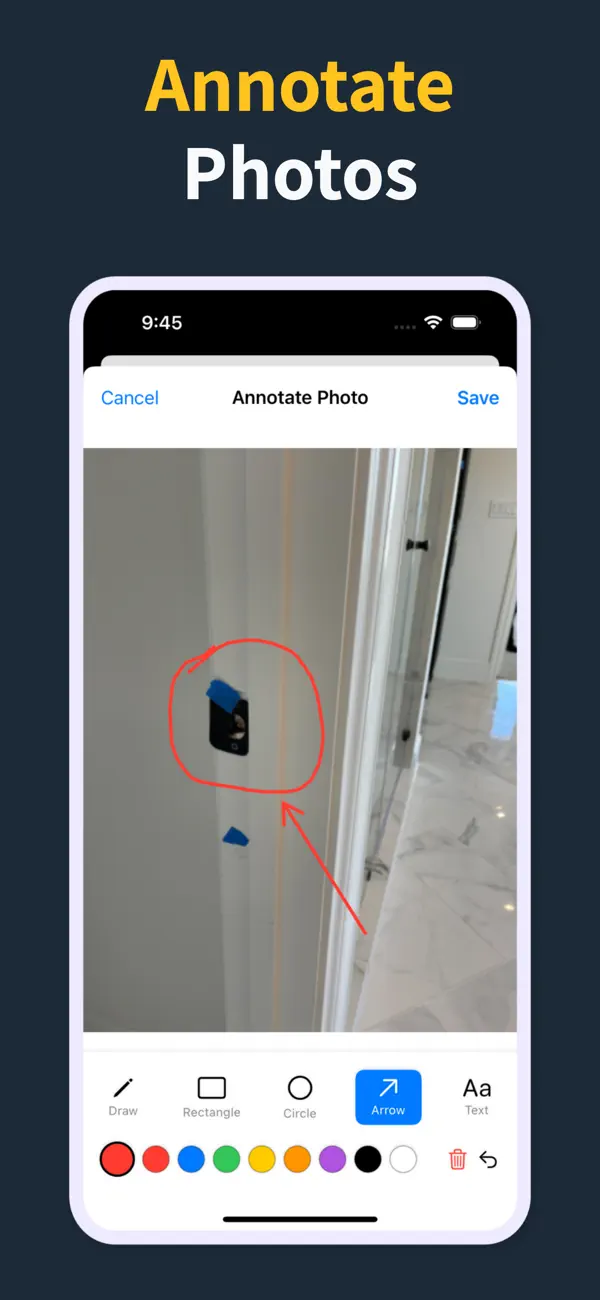
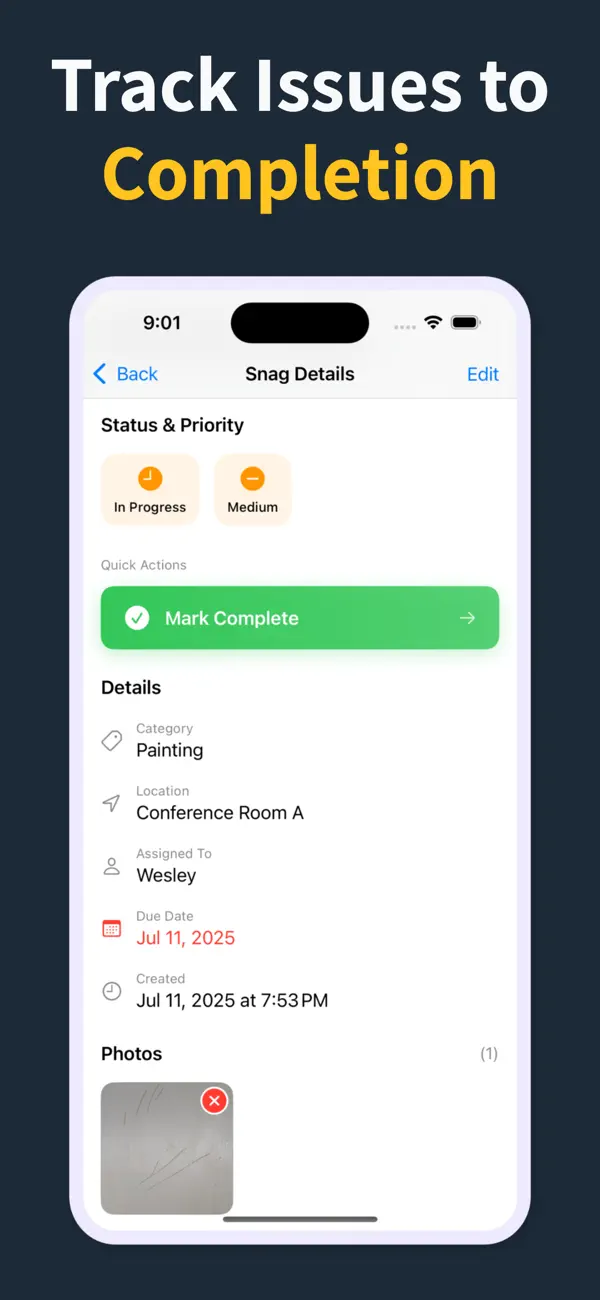
On a walkthrough you tap to add an item, record its location, trade, and status, attach one or more photos, and save. Punch List & Site Audit captures everything locally and offline, then lets you generate a PDF report on the device that you can share with subcontractors, owners, or consultants right from the site.
Does Punch List & Site Audit need a subscription?
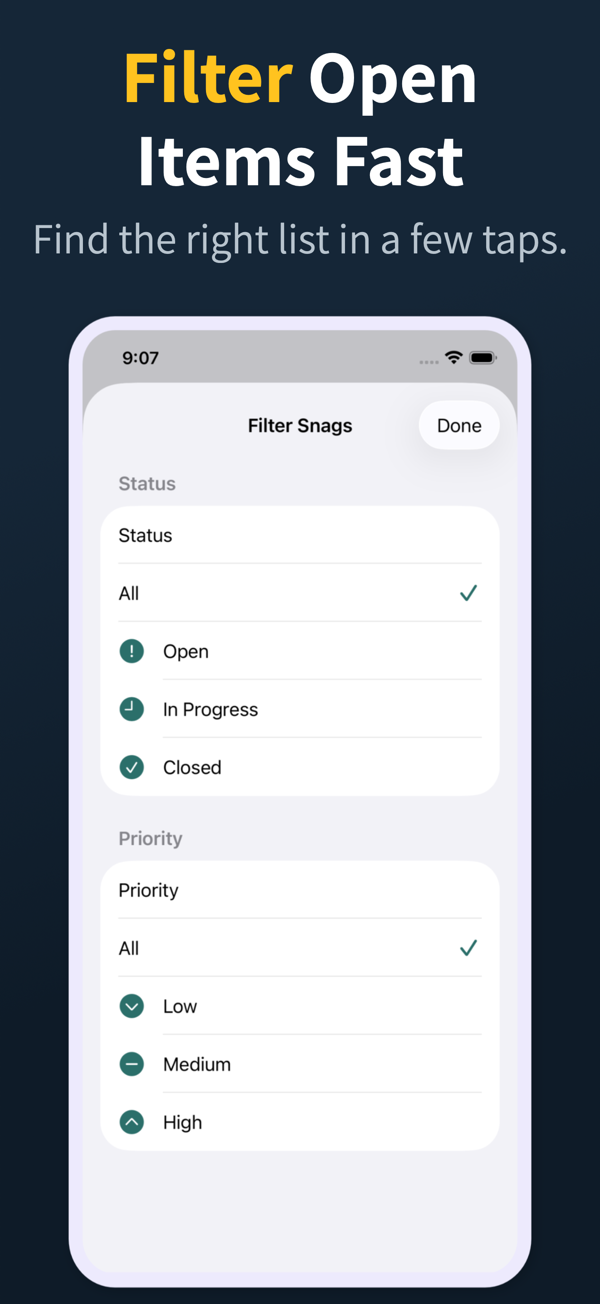
Punch List & Site Audit is freemium. The free tier captures deficiencies with photos, statuses, priority, and a watermarked PDF preview built for iPhone walkthroughs, while Pro unlocks clean branded PDF reports, import/export, and iCloud sync.
Does a deficiency list app work offline?
The good ones do. Punch List & Site Audit captures items, photos, and notes fully offline and generates the PDF without a connection, which is essential in basements, shells, and remote sites across Canada where Wi-Fi and cell coverage are unreliable.
Can I share a deficiency list PDF with subcontractors?
Yes. Generate the PDF at the end of the walkthrough and share it through Mail, Messages, AirDrop, or any iOS share extension. Pro unlocks a clean branded report, and subcontractors can work straight from the shared PDF without installing the app.
What's the difference between a deficiency list app and a spreadsheet?
A deficiency list app keeps photos, location, trade, and status attached to each item and produces the report in one tap, on site. Spreadsheets lose photos, are awkward on a phone, and force you to retype the list back at the office, which slows closeout and introduces errors.