Frequently asked questions
What fields should a snagging list template include?
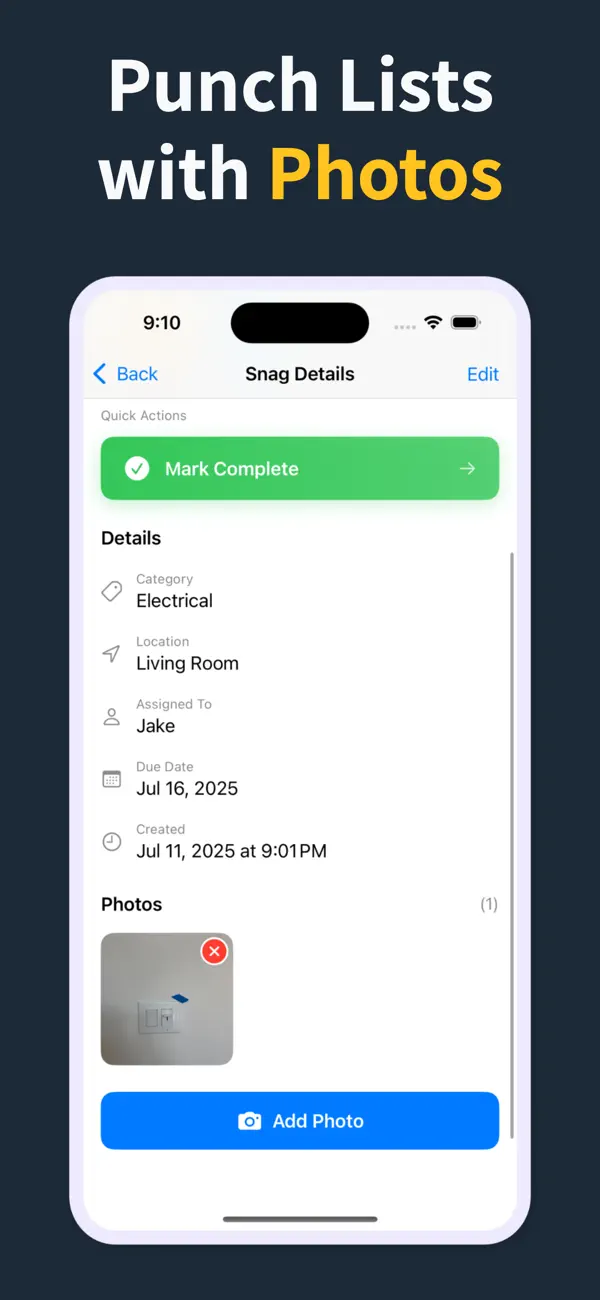
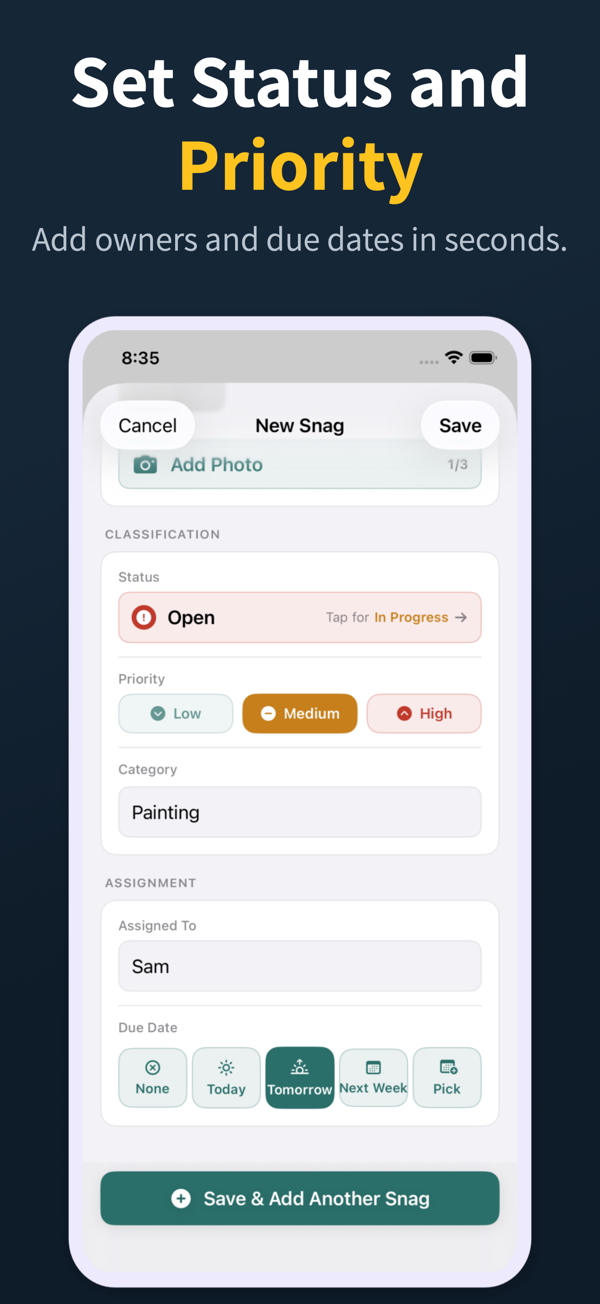
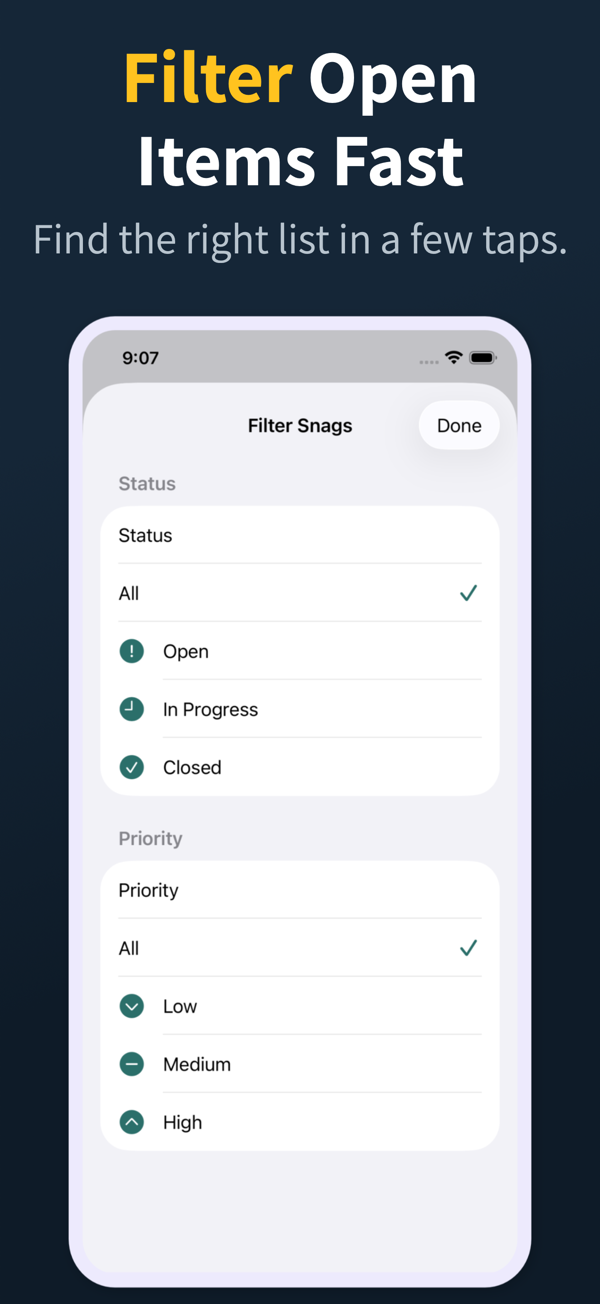
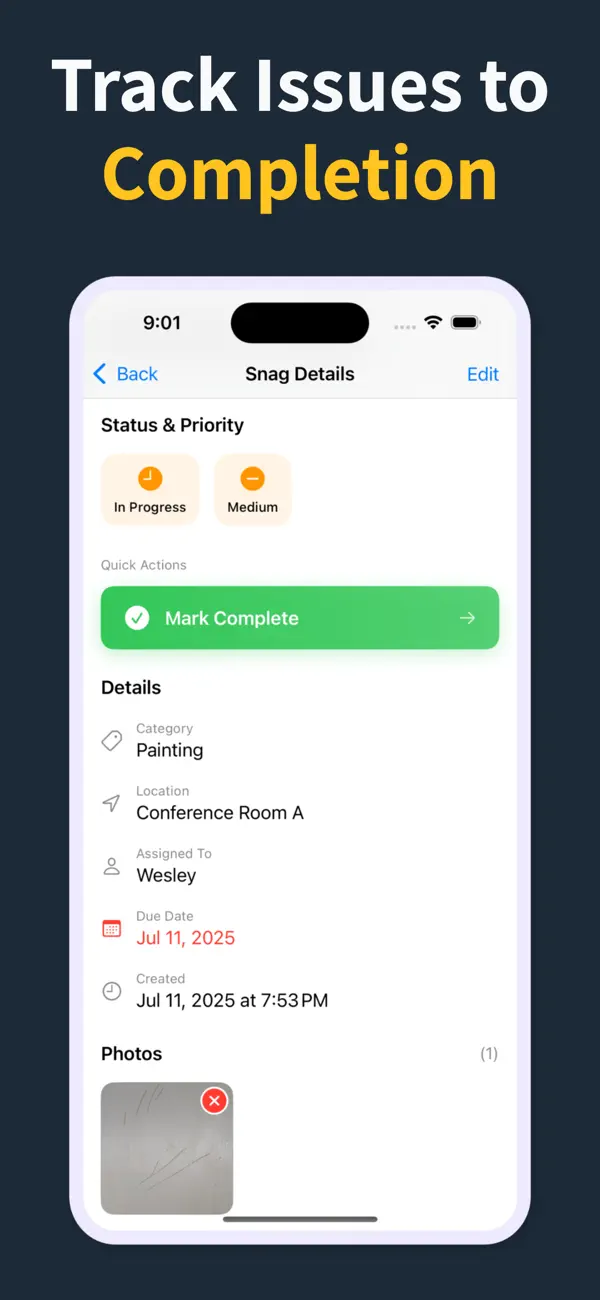
Location, trade, description, photo, status (open, in progress, resolved), date logged, due date, and responsible party. Optional fields include severity, cost impact, and references to related RFIs or variations.
Is an Excel snagging template enough?
For very small jobs, yes. For anything with photos, several trades, or more than a few dozen snags, a mobile app beats Excel on speed, photo handling, and reporting, and it removes the retyping step entirely.
Is there a reusable snagging list template?
Punch List & Site Audit gives you the equivalent of a reusable template inside the iOS app. Start a new project and the fields are ready to go, with no download or spreadsheet formatting required.
Can I reuse the same template across projects?
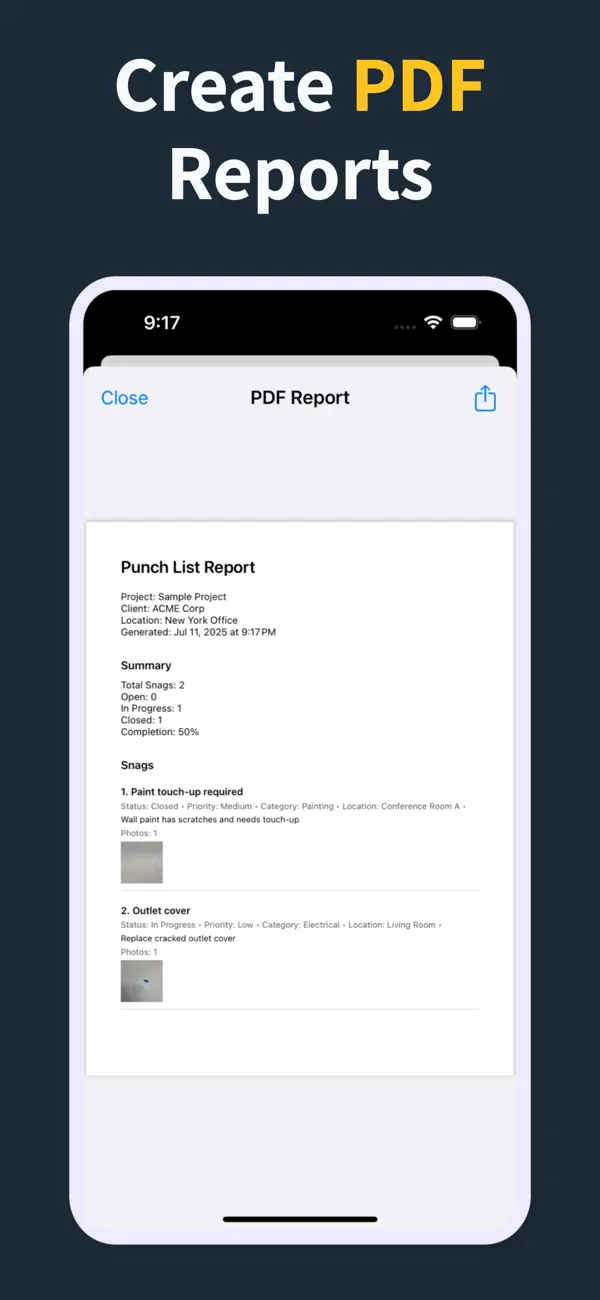
Yes. The same structure of location, trade, status, photo, and notes is used for every new project, so your crew builds a consistent reporting habit and clients see the same familiar PDF format every time.
How do I turn a template into a live snag list?
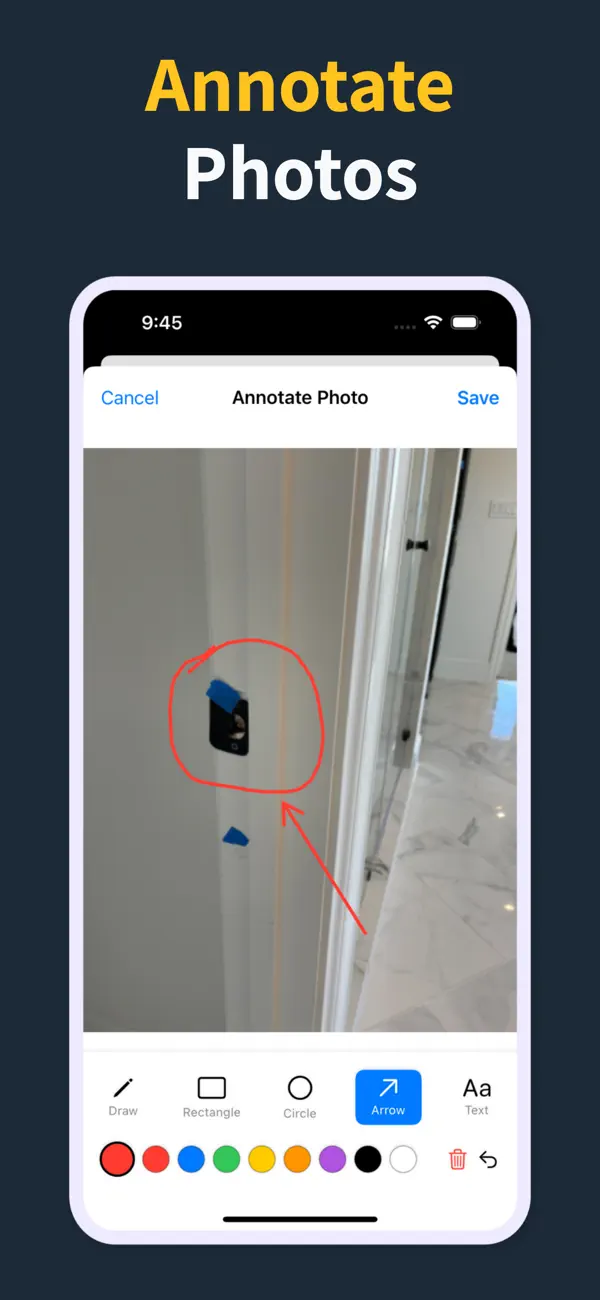
Start a new project, walk the site, and add snags as you find them. The template becomes a live report the moment you capture the first photo, with no transcription or data entry step.