Frequently asked questions
What features should the best snagging list app have?
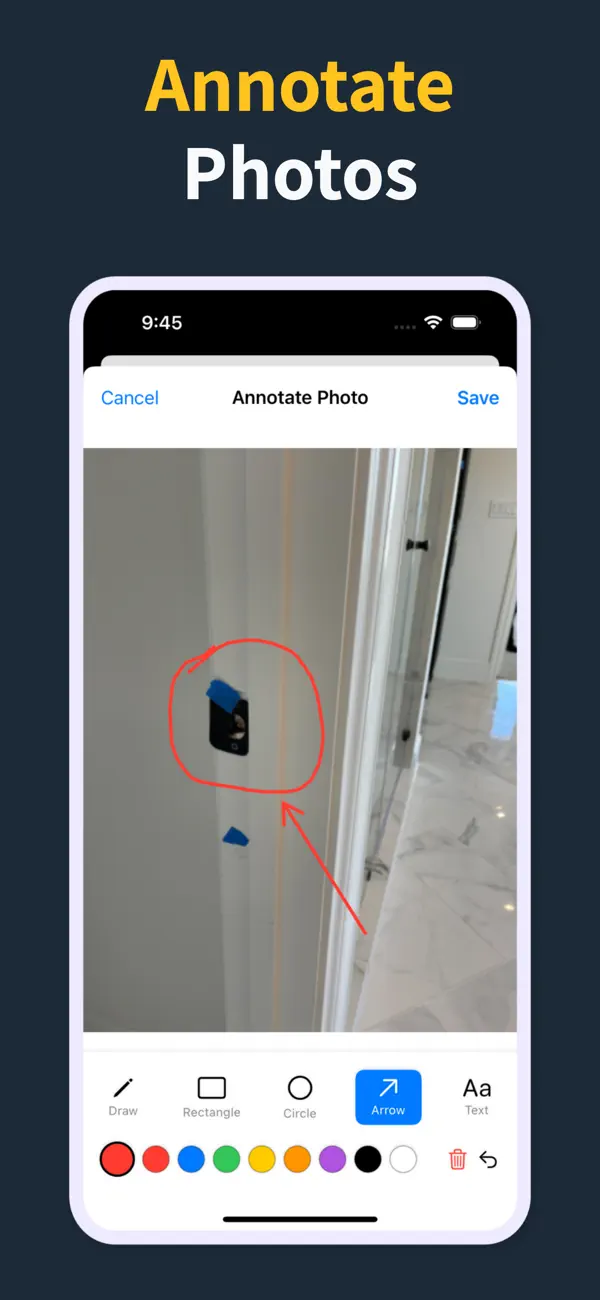
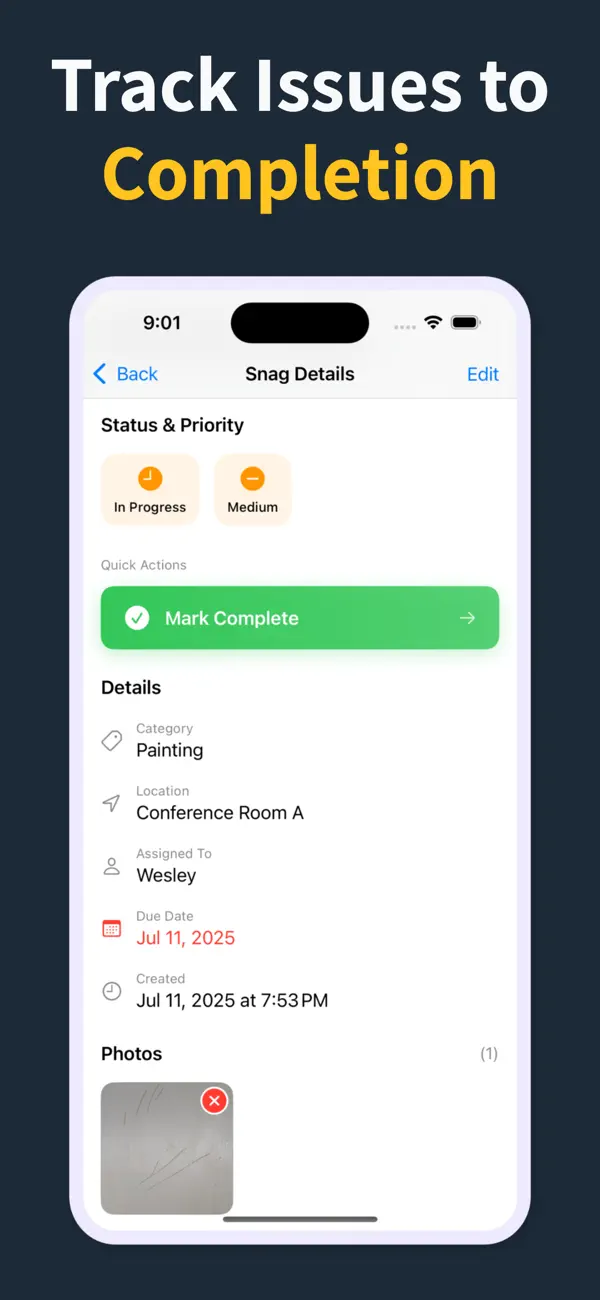
Offline capture, a photo per item, location and trade fields, status tracking, and PDF reporting generated on site. Anything that slows the walk or forces every subcontractor into a separate account hurts adoption and reduces the value of the tool.
Is a focused snagging app good enough for professional use?
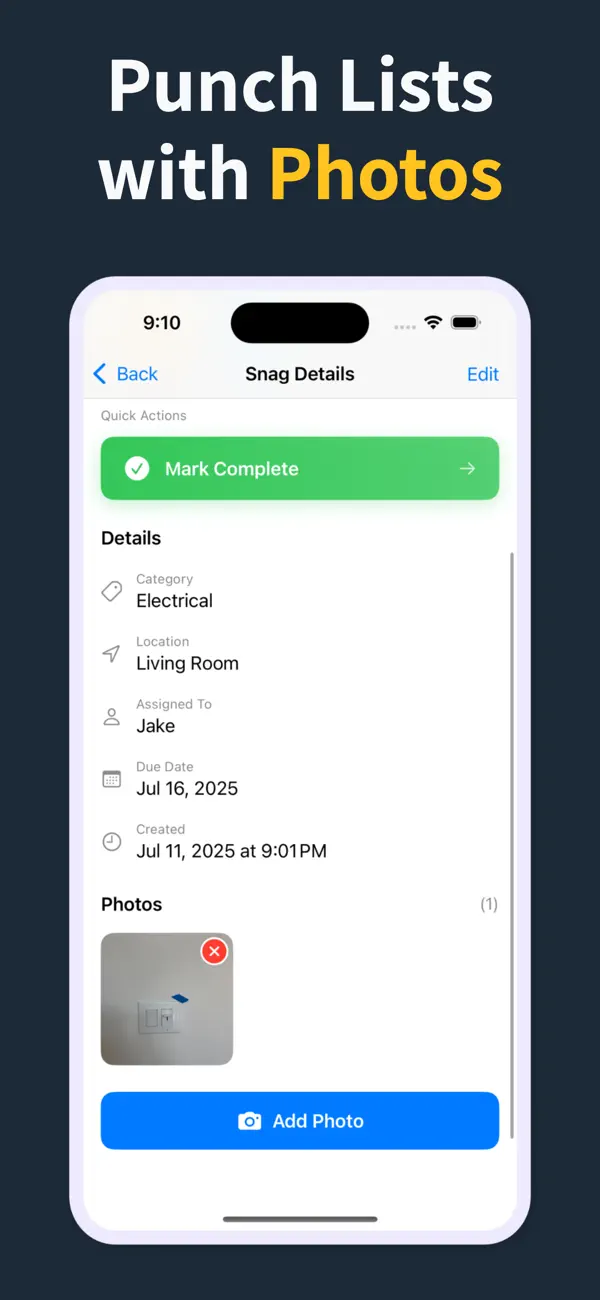
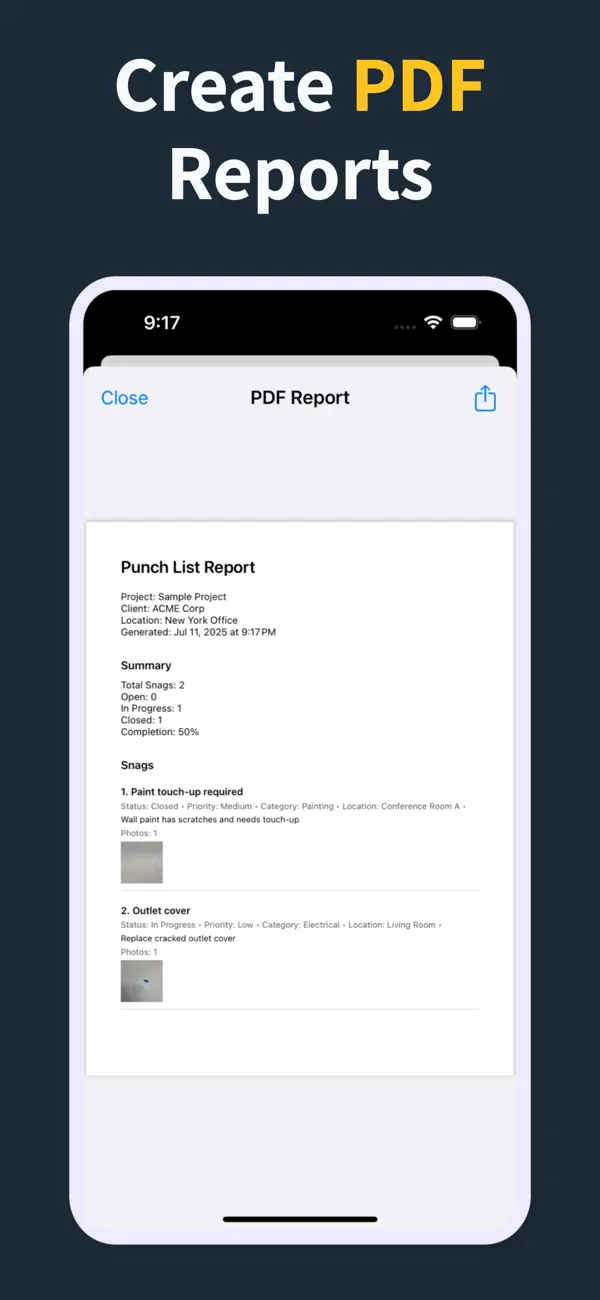
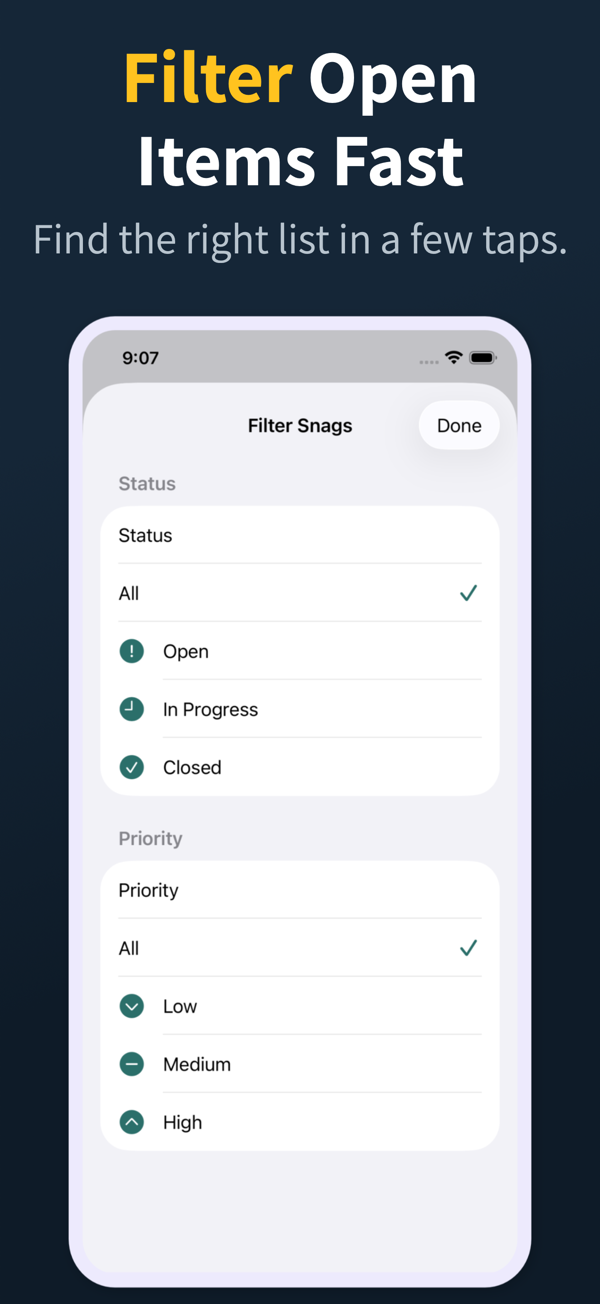
Yes. For most contractors and site managers, a focused app like Punch List & Site Audit covers the whole field workflow: capture snags, attach photos, assign the trade, filter open work, and generate the PDF before you leave.
Is it better than PlanGrid, Fieldwire, or Procore?
Large platforms do far more than snagging, which also means more cost, training, and login friction. A dedicated snagging app wins when defect capture and handover PDFs are the core job, and many teams run both.
How do I pick the right snagging app?
Run one real walkthrough with each candidate. The winner is whichever app lets you log twenty snags with photos in under five minutes and produce a PDF a subcontractor can act on straight away.
What do Punch List & Site Audit subscriptions unlock?
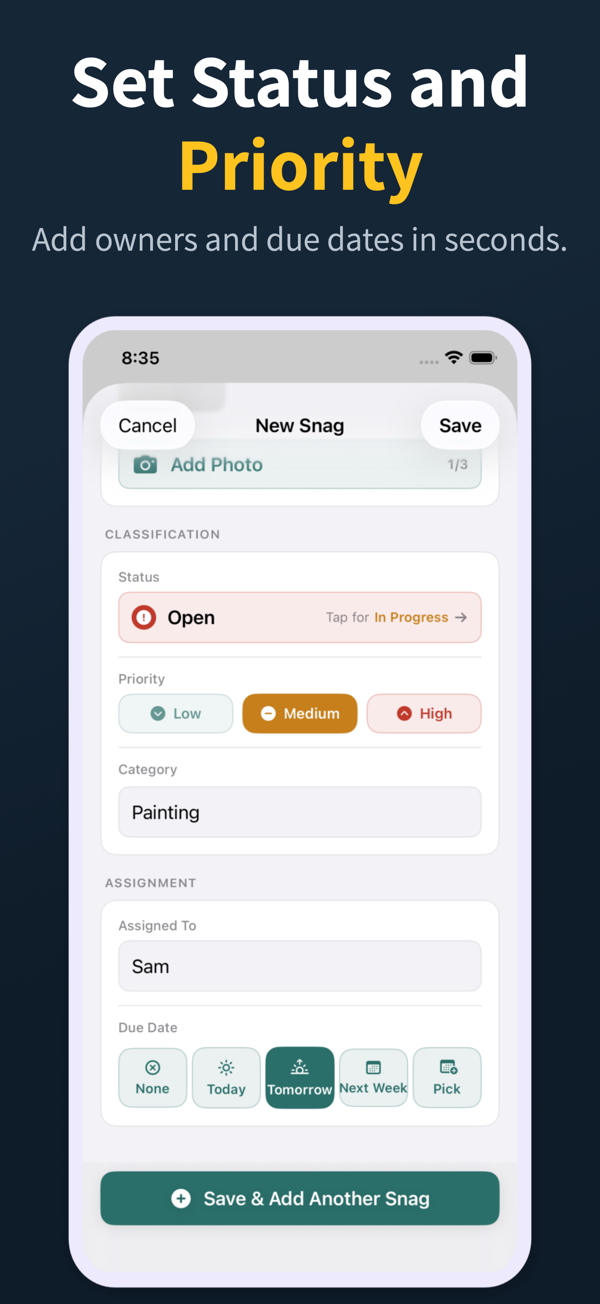
Pro unlocks clean branded PDF reports, company logo support, project import and export, and iCloud sync. The core field workflow stays focused on fast capture of snags with photos, status, priority, assignee, and due date.