Frequently asked questions
What is a snagging app?
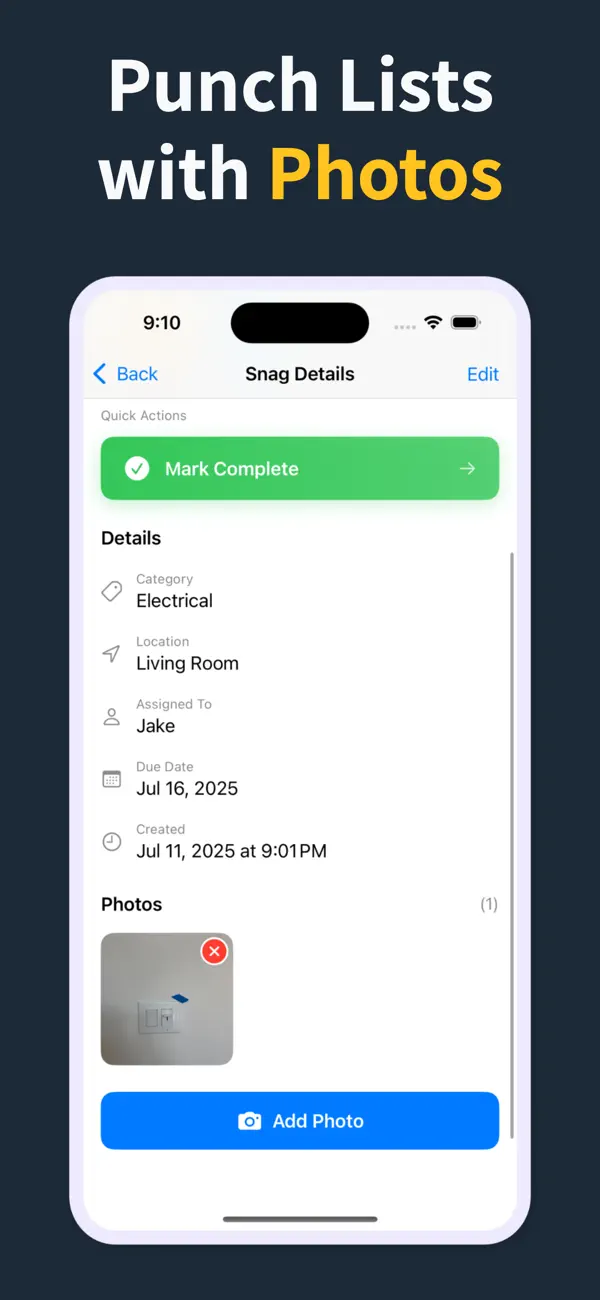
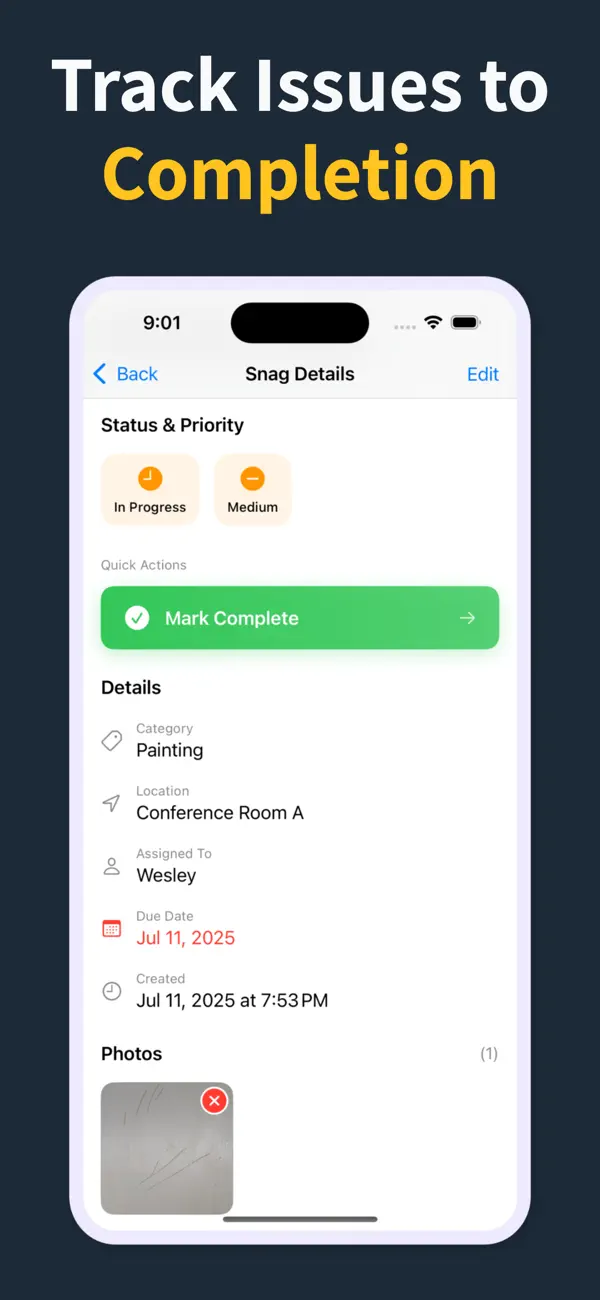
A snagging app records each defect on a build with a photo, the room or location it sits in, and the trade responsible, then turns that list into a report you can send. Punch List & Site Audit does all of it on an iPhone with no signal, so the snag report leaves site with you instead of being written up that evening.
What features should a snagging app have?
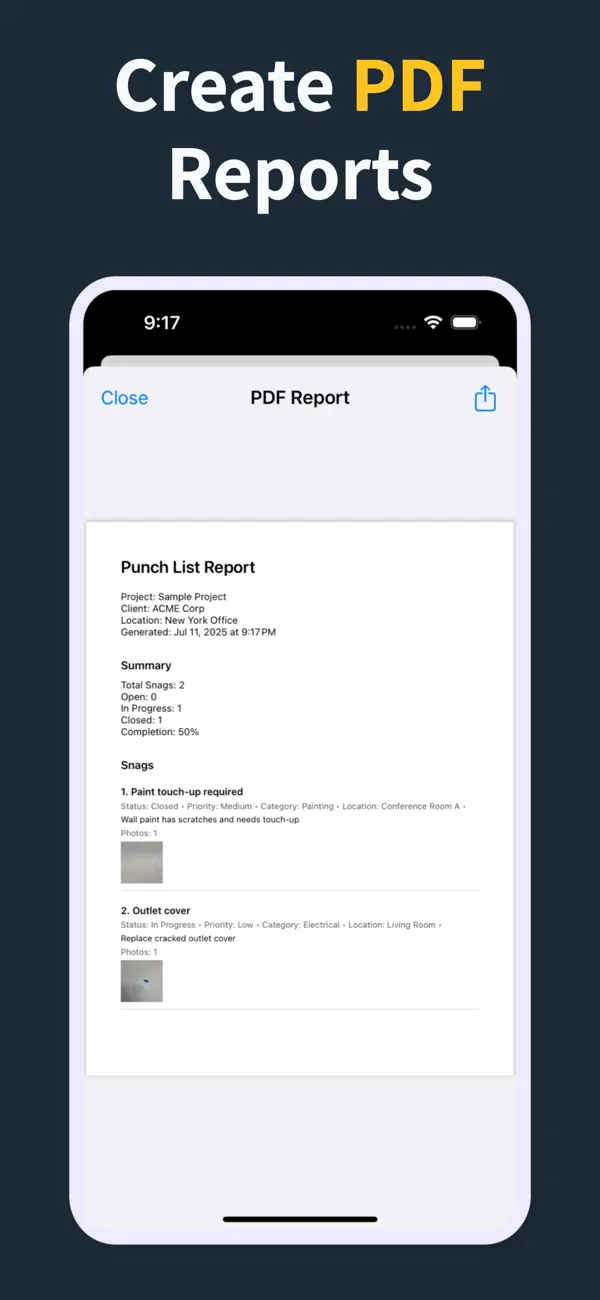
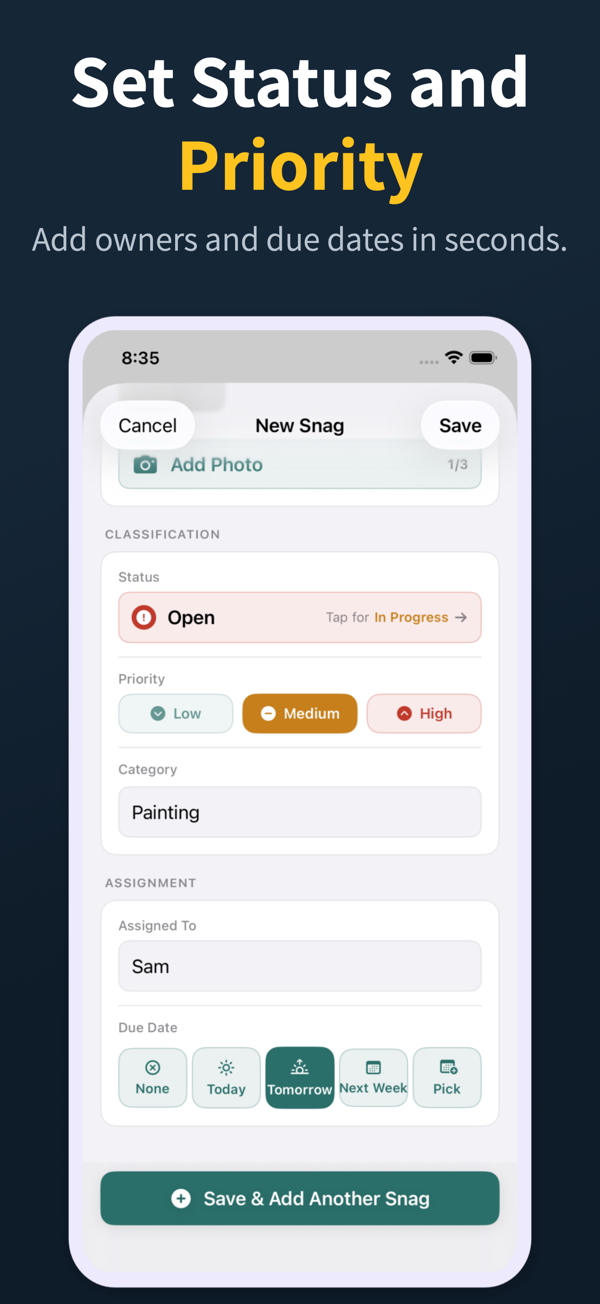
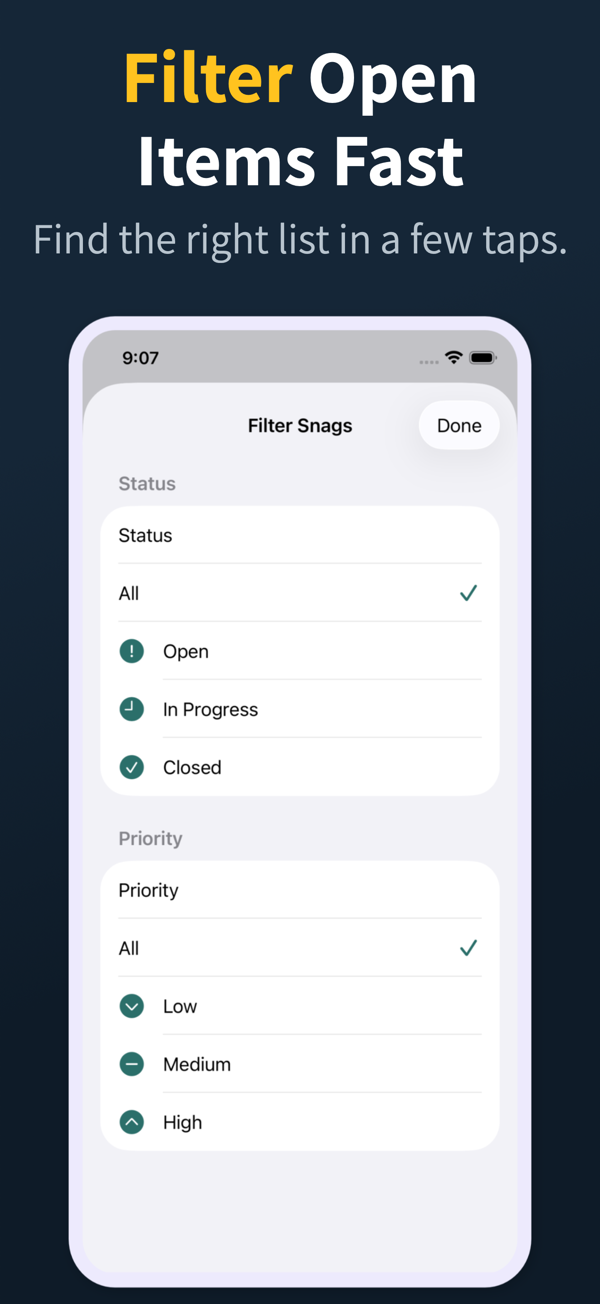
Offline capture, a photo per snag, room or location and trade fields, status tracking, and a branded PDF snag report with a summary and photos embedded. Generating that PDF on site, rather than back at the office, is the feature that saves the most time.
Do I need a paid snagging app?
Use the scope you actually need. A focused app like Punch List & Site Audit handles most homebuyer and professional snagging inspections on the free tier, while Pro adds clean branded PDFs, import and export, and iCloud sync.
Are snagging apps useful for homebuyers?
Yes. A clear photo-backed snag list from a buyer carries more weight with the developer than written notes alone, and helps make sure issues are put right before the new-build warranty period runs out.
Can a professional snagging inspector use their iPhone for inspections?
Yes. A modern snagging app on iPhone is faster than clipboard-and-camera and produces a smart, shareable report the moment the walkthrough ends, with no evening spent writing it up.
How many snags are typical on a new build?
Anywhere from a few dozen to several hundred, depending on quality and size. A good app scales from a small flat to a large house without slowing down as the list grows.