Create the project
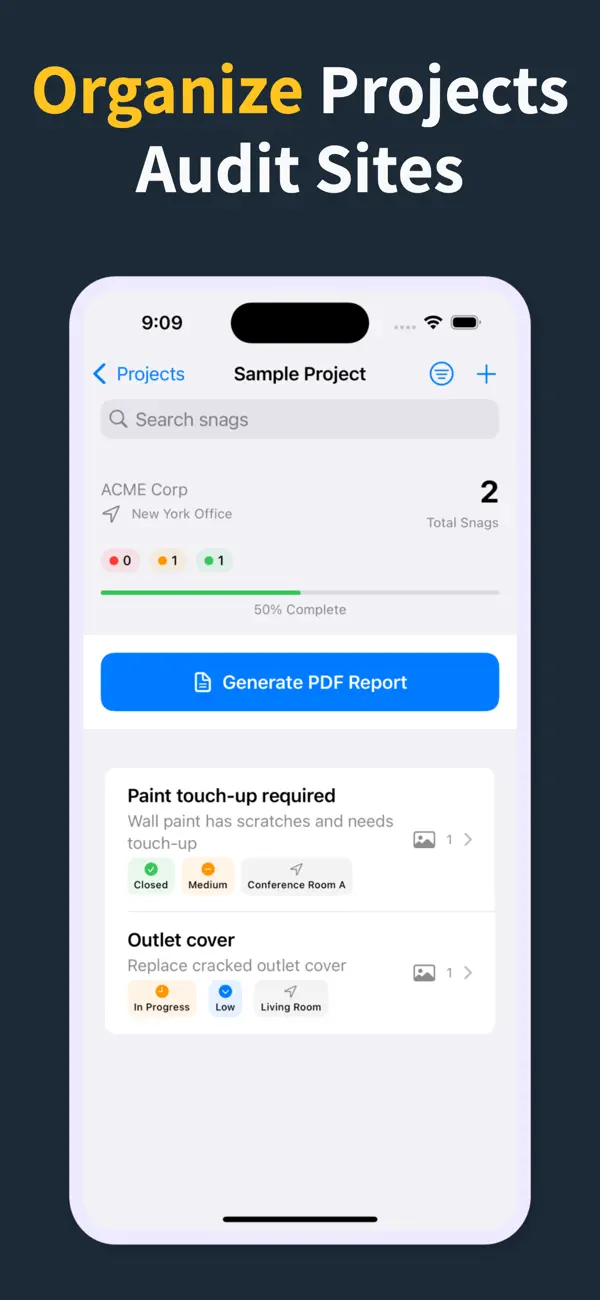
Start a site, client, or renovation project and keep each job separated with progress counts and search.
Capture every snag with photos, location, priority, status, assignee, and due date — then turn the walkthrough into a PDF report from your iPhone.

Scan to download
Punch List & Site Audit keeps capture, assignment, review, and handoff in one iPhone workflow.
Start a site, client, or renovation project and keep each job separated with progress counts and search.
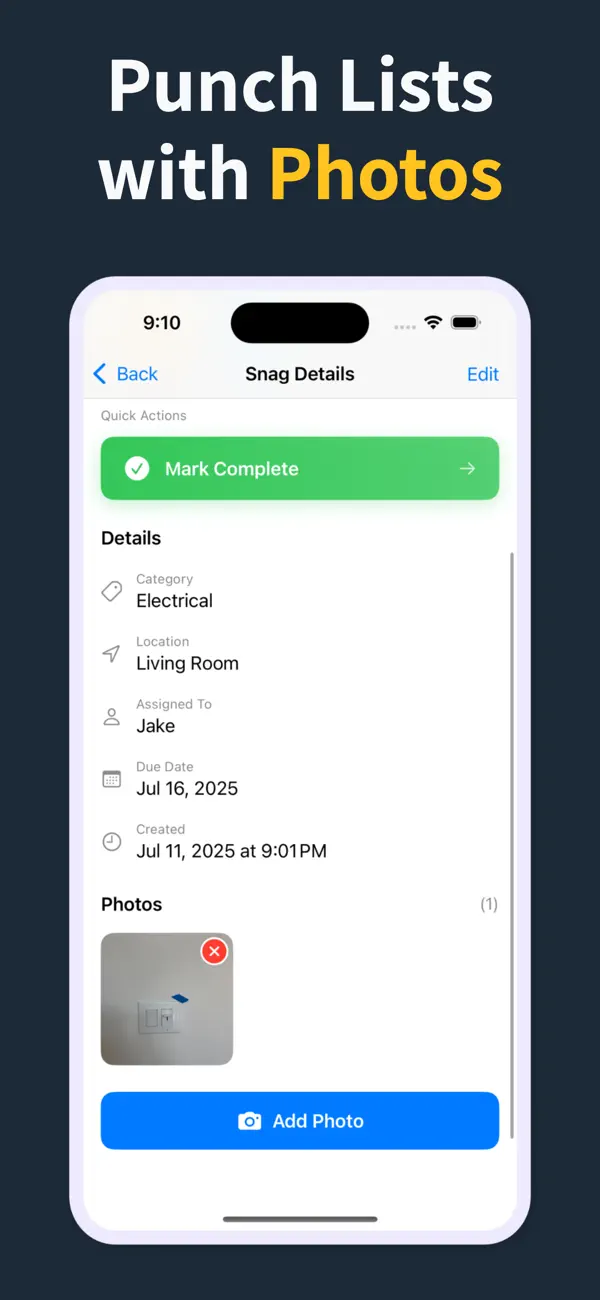
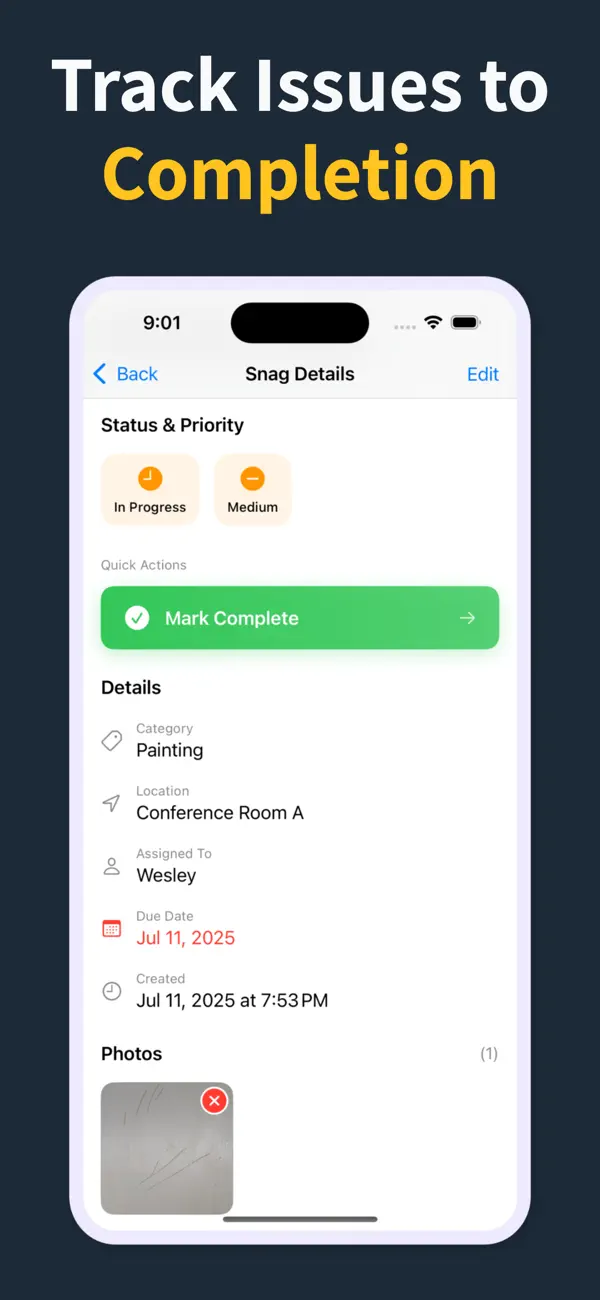
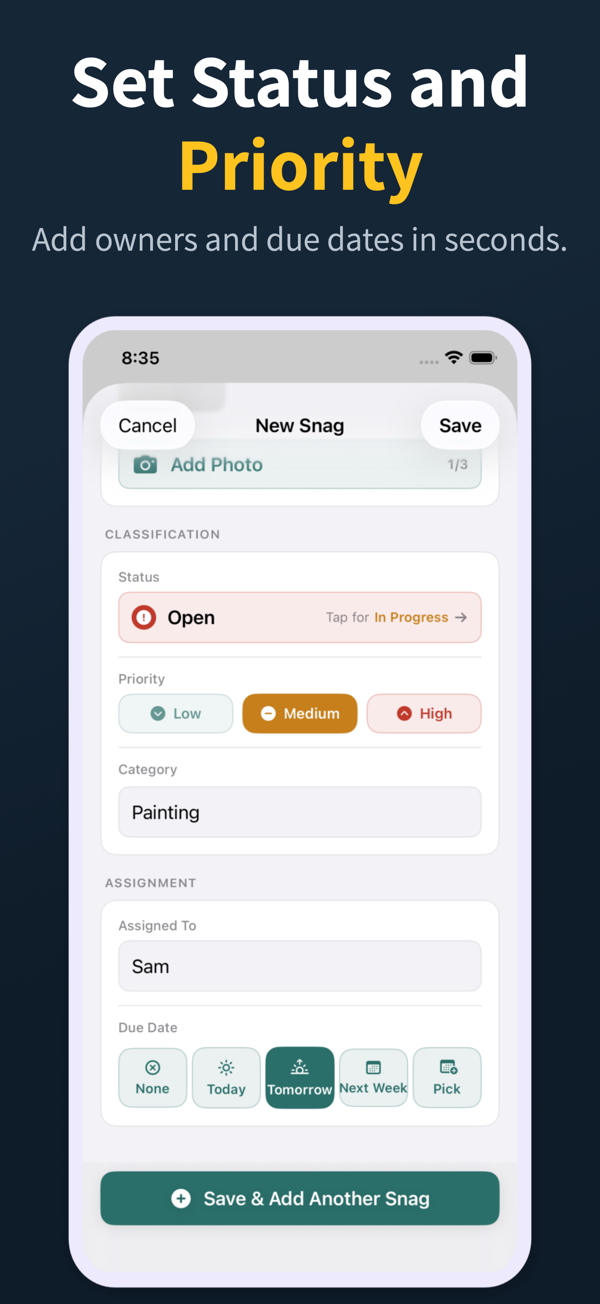
Add title, notes, location, photos, status, priority, category, assignee, and due date as you walk.
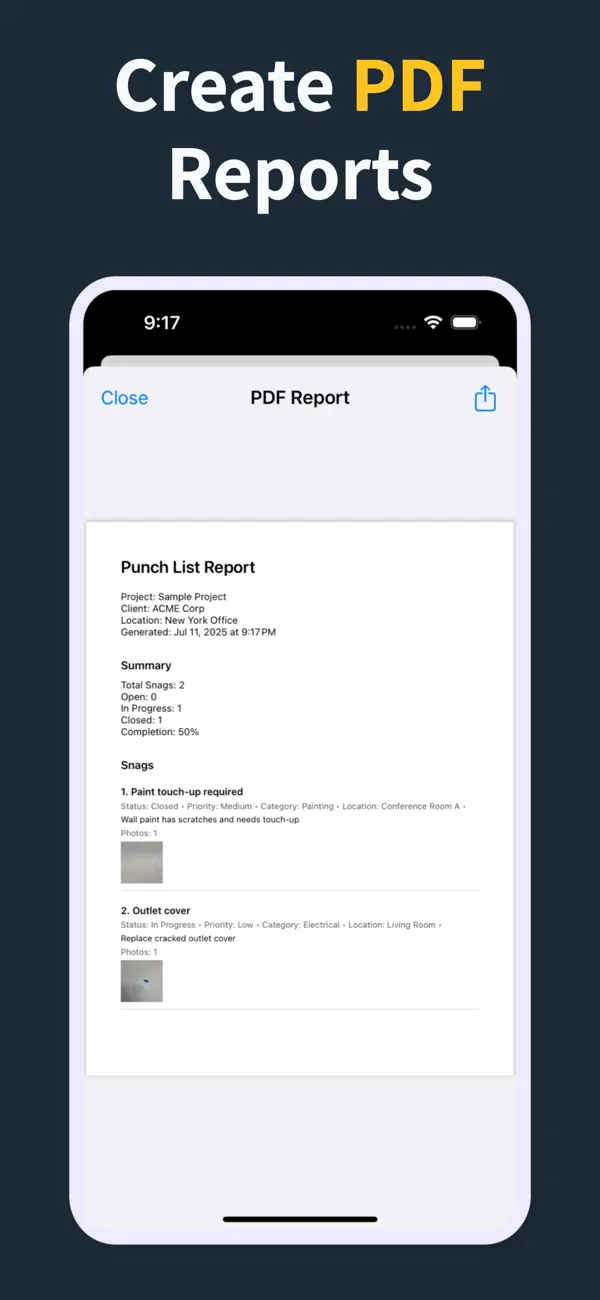
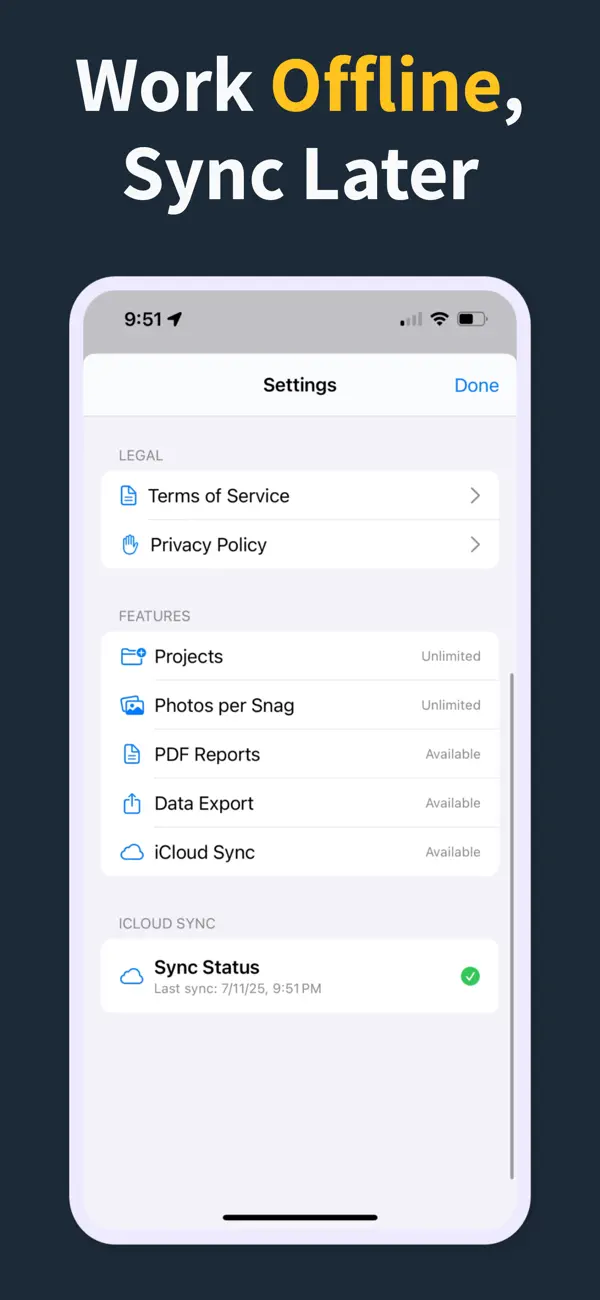
Generate a PDF with item details and photos. Pro unlocks clean reports, branding, export, and iCloud sync.
Each feature below maps to the actual Punch List & Site Audit workflow: capture, annotate, organize, filter, report, and hand off.
Record the issue, description, location, and photos in one form, then use Save & Add Another to keep moving.
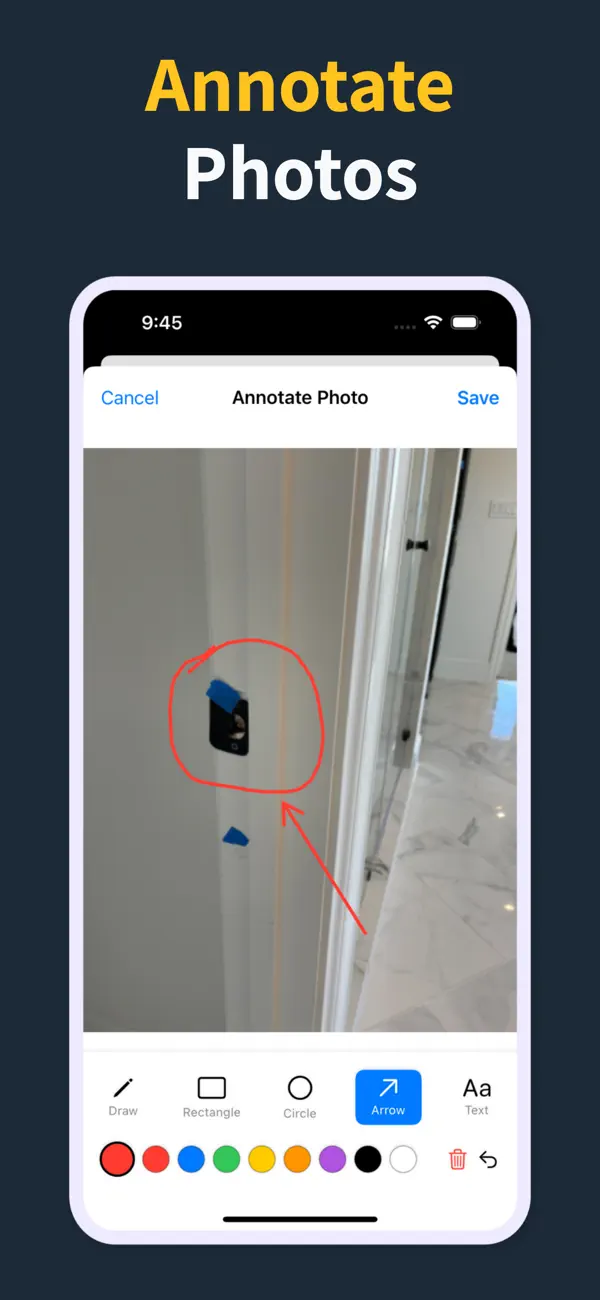
Annotate photos before they go into the report, so subcontractors can see the exact defect and location.
Each snag can carry status, priority, category, assignee, and due date so the list is actionable before handoff.
Generate PDF reports with item numbers, status, priority, due dates, assignment details, and inline photos.
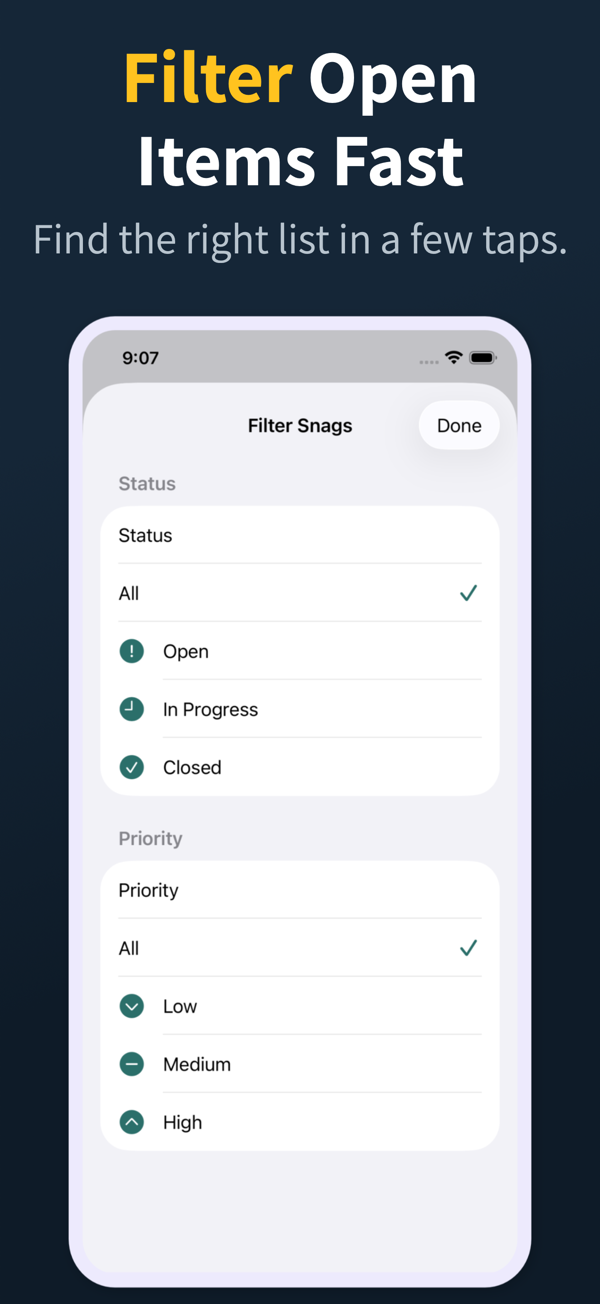
Search and filter snags by the fields teams actually use during closeout reviews.
Manage multiple projects with progress counts, project search, import, export, and iCloud sync for Pro workflows.
Whether you're a general contractor or a quality inspector, Punch List has you covered.
Close out punch lists faster, reduce callbacks, and document every defect before project handoff.
Track progress across multiple trades. Generate daily site reports without leaving the field.
Capture non-conformances with photos and priority levels. Export audit-ready PDFs on demand.
A construction punch list is a written record of incomplete, incorrect, or defective work identified near the end of a project that must be finished before the job is accepted. Each item typically notes the location, responsible trade, description of the issue, supporting photos, and current status, and is resolved by the contractor before final sign-off.
A punch list app is a mobile tool for capturing incomplete or defective construction work, assigning it to a trade, documenting it with photos, and producing a shareable report. It replaces paper checklists and spreadsheets on active job sites, keeping every item's location, status, and evidence in one place from first walk to final sign-off.
Punch List & Site Audit uses subscriptions for Pro features. Field capture, photos, status, priority, and PDF preview workflows are built for iPhone walkthroughs, while clean branded PDFs, import/export, and iCloud sync are subscription features.
The best ones do. Punch List & Site Audit captures items, photos, and notes fully offline and exports a PDF without an internet connection, which is essential on basements, shells, and remote sites without reliable Wi-Fi.
They describe the same process. "Punch list" is the standard term in the United States and Canada, while "snag list" is used in the United Kingdom, Ireland, Australia, and New Zealand. Both refer to outstanding defects and incomplete work captured before final handover.
Install a dedicated iPhone punch list app like Punch List & Site Audit, start a new project, and walk the site adding items as you go — each item captures a photo, location, trade, status, and notes. At the end of the walkthrough, export a PDF and share it from the iOS share sheet with your client or subcontractors.
Large platforms do much more than punch lists, which also means more cost, training, and login friction. A dedicated punch list app wins when defect capture and closeout PDFs are the core workflow — many teams run both.
Yes. Generate a PDF at the end of the walkthrough and share it via email, Messages, AirDrop, or any iOS share extension. Pro unlocks clean branded PDFs, and subcontractors can still work straight from the shared report without installing the app.
Enter your number and we'll text you a direct link